High-quality AI visuals aren't luck. Build a repeatable AI image prompting strategy with a step-by-step workflow, templates, and an action plan.
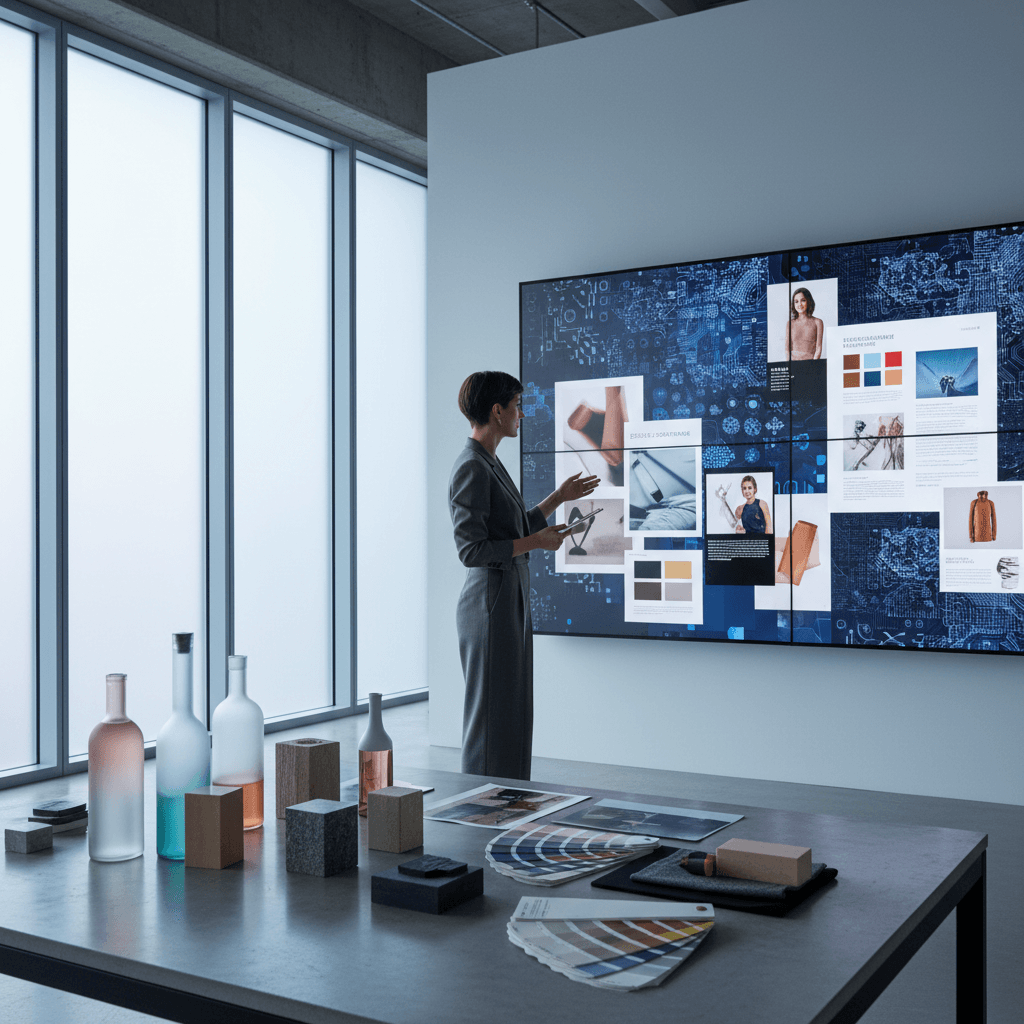
As brands sprint into the holiday push and end‑of‑year campaigns, the gap between forgettable AI images and scroll‑stopping, on‑brand visuals is widening. The difference isn't a secret prompt—it's an AI image prompting strategy. In today's AI & Technology series, we'll show how to turn generative tools into a reliable creative engine that elevates your work and boosts productivity.
Great outcomes aren't about describing a picture and hoping for the best. They're about designing a repeatable system that translates your brand identity into images, at scale, under real production constraints.
Great AI images are planned, not lucky.
This guide breaks down a strategic, specific, and systematic process you can apply immediately—whether you lead a creative team, run an e‑commerce brand, or simply want AI to work harder in your daily workflow.
Why Your AI Images Need a Strategy
AI can generate thousands of options in minutes, but without a plan you get visual noise: inconsistent tones, mismatched lighting, drifting brand cues, and that uncanny "soulless" look. Strategy brings constraint—the same force that makes traditional photo shoots look coherent across a campaign.
- Strategic: Start from a creative brief tied to a business goal, audience, and channel.
- Specific: Define visual DNA—lighting, lens, color palette, composition, and environment.
- Systematic: Use a workflow that locks style and subject elements so output is consistent across products, faces, and scenes.
When your prompts encode brand identity and production rules, you can build entire campaigns—products, styles, and faces—that feel like high-end shoots, not one-off wins. That's how AI strengthens your marketing, instead of diluting it.
A Systematic Workflow for On-Brand AI Imagery
A reliable AI imagery workflow mirrors a shoot: brief, pre‑production, production, and post.
1) Brief the business goal
- Objective: What should the image make the audience do or feel?
- Audience: Who are we speaking to? What context and platform?
- KPI + Channel: PDP hero, paid social, email banner, OOH, or editorial.
- Narrative: The one-sentence story of the campaign.
2) Build a visual style guide
Document the look you want the model to learn:
- Color + Grade: Brand palette, saturation, contrast, grain.
- Lighting: "Soft north‑light studio," "golden hour rim light," or "moody chiaroscuro."
- Lens + Framing: 85mm portrait, macro beauty, 24mm lifestyle, shallow depth of field.
- Composition Rules: Negative space, center composition, rule of thirds, eye‑level.
- Backgrounds: Seamless paper, textured plaster, urban dusk, botanical studio.
3) Assemble reference assets
- Products: Clean angles, alphas, materials (matte vs glossy) noted.
- Faces/Talent: Consistent identities using reference shots or embeddings.
- Environments: Moodboards and texture swatches.
- Brand Elements: Logos, patterns, typography for post‑compositing.
4) Choose model settings and controls
- Model/version + aspect ratios by placement (1:1 social, 16:9 video/thumb, 4:5 feed).
- Seeds for reproducibility; keep a seed bank per campaign.
- Control layers (pose, depth, edge) for scene consistency.
- Negative prompts to avoid artifacts (e.g., "no extra fingers, no warped labels").
5) Use a prompt template
Create a reusable template so every shot is structurally identical.
[Subject with key attributes], [brand style tags], [lighting], [lens + composition], [environment + background], [color + grade], [mood/adjectives], [action], [negative prompt]
Example:
Hydrating serum bottle with glass dropper, glossy label intact, contemporary minimal brand style, soft north-light studio, 85mm portrait with shallow depth, on frosted acrylic platform with water droplets, cool neutral grade, calm luxurious mood, product centered with clean negative space, no reflections over text, no warped labels, no extra hands
6) Produce a shot list and iterate in batches
- Shot list: Hero, detail, usage, set variations, seasonal variant.
- Variations: 8‑12 per shot with fixed seed + small perturbations.
- Keep what works, prune what doesn't—document choices.
7) Post-process with intention
- Retouching: Skin realism, material specular highlights, label clarity.
- Compositing: Real product labels or UI elements added in post for accuracy.
- Color management: Match brand ICC profiles or LUTs across assets.
8) QA and governance
- Checklist: Label integrity, hand realism, brand color match, accessibility.
- Rights and disclosures: Follow internal guidelines for generative content.
- Versioning: Name assets consistently; log prompts, seeds, and settings.
Building Your Brand's Visual DNA for AI
Your brand needs a visual vocabulary the model can "speak." Treat these as non‑negotiables.
Faces and talent
- Choose 1‑3 core faces for continuity across campaigns.
- Use consistent descriptors (age range, ethnicity, hair texture, makeup style) and reference images.
- Maintain inclusive representation across variations.
Product truth
- Describe materials precisely: "brushed aluminum," "soft‑touch matte," "transparent gel."
- Protect legibility: Always include "label text readable, unwarped."
Lighting and mood
- Lock a primary light recipe per brand line (e.g., skincare = soft diffused; performance gear = high‑contrast rim).
- Define mood terms you'll reuse: "elevated," "editorial," "optimistic," "technical."
Composition and background
- Codify framing rules for each placement: more negative space for text overlays, tighter crops for PDP details.
- Select 3‑5 background materials to rotate for continuity.
Do this, not that
- Do write compact, factual descriptors; don't stack vague adjectives.
- Do fix seeds for consistency; don't regenerate endlessly without documentation.
- Do capture diversity thoughtfully; don't rely on defaults that encode bias.
From Prompt to Production: Examples Across Industries
Beauty and personal care
Goal: Elevated product and skin storytelling for holiday bundles.
Prompt angle: Macro textures, soft diffusion, clean set design.
- "Creamy moisturizer swirled in a glass jar, macro beauty texture, soft top‑down diffused light, seamless warm beige backdrop, 85mm macro, clean editorial grade, luxurious calm mood, label text sharp, no duplicate jars."
- Workflow tweak: Build a texture library (water droplets, silk, satin) for quicker set variations.
Result: Cohesive carousel with hero, texture detail, and usage shot that feels like a high‑end campaign.
DTC apparel
Goal: Urban editorial look for winter drop.
Prompt angle: Street natural light, shallow depth, dynamic poses.
- "Model in charcoal wool coat, city dusk golden backlight, 35mm street portrait with shallow DOF, wet pavement reflections, cinematic cool grade, confident motion, consistent model identity, no distorted hands."
- Workflow tweak: Control pose across frames for lookbook continuity.
Result: A consistent lookbook where color, pose, and mood align across sizes and styles.
SaaS and Technology
Goal: Abstract product metaphors for a year‑end performance report.
Prompt angle: Minimalist 3D forms, brand palette, subtle motion blur for energy.
- "Abstract data ribbons in brand teal and graphite, soft studio light, 3D minimal geometry, 16:9 composition with left negative space, glossy highlights, modern professional mood, no text artifacts."
- Workflow tweak: Composite real UI in post to ensure accuracy while keeping the abstract hero imagery.
Result: A cohesive visual system spanning report covers, social snippets, and landing page hero art.
Quality, Ethics, and Scaling in 2025
As AI imagery becomes standard in marketing workflows, quality and governance matter.
- Representation and bias: Proactively prompt inclusive ranges of skin tones, ages, and body types. Audit results and adjust descriptors.
- IP cleanliness: Avoid prompts that mimic living artists or protected marks. Keep your brand's look original.
- Disclosure: Follow your organization's guidelines for when and how to disclose generative use.
- Video and motion: Extend the same style rules to short‑form video. Lock camera, lighting, and palette across frames, and storyboard transitions just as you would a shoot.
- Team enablement: Treat prompts and seeds as shared creative ops assets. Centralize them in a library so anyone can produce on‑brand work.
Action Plan: A 7‑Day Sprint to a Repeatable AI Shoot
Want momentum before Black Friday and the holiday rush? Run this one‑week play.
- Day 1: Write a one‑page creative brief. Define objective, audience, channels.
- Day 2: Build a 10‑slide style guide with lighting, lens, palette, and example references.
- Day 3: Assemble assets: product angles, talent references, background textures.
- Day 4: Create your prompt template and negative prompt list. Choose seeds.
- Day 5: Generate a 20‑shot batch against a shot list. Save prompts + seeds.
- Day 6: Retouch, color‑manage, and QA with a checklist. Mark "approved looks."
- Day 7: Publish a mini‑campaign (hero, detail, lifestyle). Document the system.
Checklist to keep by your monitor:
- One-line narrative per asset
- Locked lighting and lens
- Seed ID in filename
- Label/text integrity confirmed
- Inclusive representation pass
- Color grade matched to brand palette
The Payoff: Productivity With Taste
A robust AI image prompting strategy doesn't replace taste—it amplifies it. You'll ship faster, maintain brand consistency, and free your team to focus on concept, not cleanup. In a world where AI and Technology are reshaping creative work, this is how you turn generative power into real productivity.
If you're ready to operationalize this, start with the 7‑day sprint above. Want more help? Request our workflow template and QA checklist to standardize your next campaign.
Your AI image prompting strategy is the backbone of on‑brand visuals in 2025. The question now: what could your team create if every "shoot" was a repeatable system?