Tired of the content treadmill? Use AI product photography to scale consistent, on-brand images and videos fast—without sacrificing authenticity.
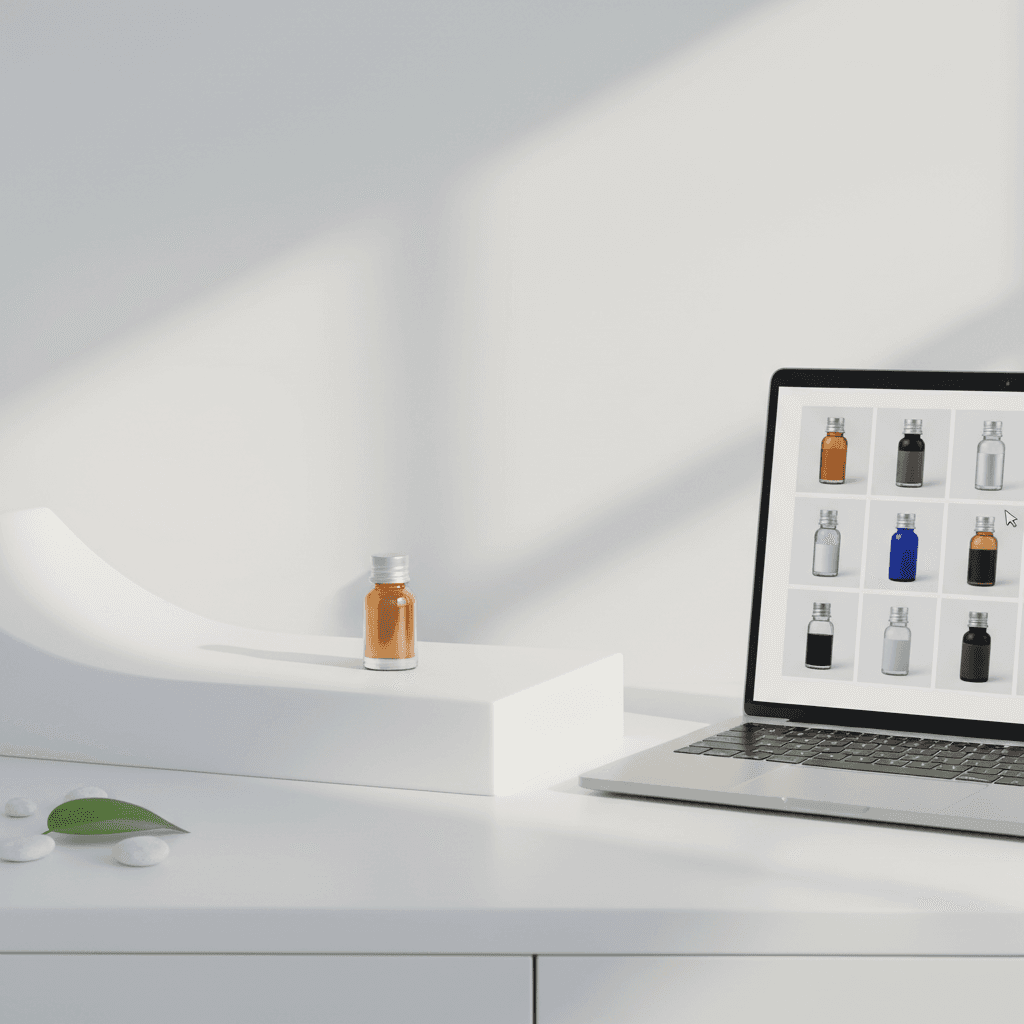
AI Product Photography: Scale Consistent Content Fast
If you're tired of the nonstop content treadmill, you're not alone. In Q4 2025—peak campaign season—most small brands are juggling holiday launches, Black Friday creative, and limited budgets. This is exactly where AI product photography changes the game. With the right workflow, you can generate consistent, on-brand images and short videos in hours, not weeks.
In this AI & Technology series, we spotlight practical ways AI boosts productivity at work. Today we'll break down an end-to-end system for AI product content—from brand setup to prompts, video, and measurement—so you can scale without sacrificing authenticity. Expect actionable steps, templates, and a clear path to results.
Primary takeaway: AI product photography lets small teams produce studio-quality visuals at a fraction of the time and cost, while staying true to your brand.
Why AI Product Photography Matters Now
The economics of content have flipped. Traditionally, you'd book a studio, hire talent, and wait for retouching—great output, slow velocity. AI helps you:
- Reduce cost per asset while increasing volume
- Maintain brand consistency across platforms
- Test more creative angles before committing to paid production
- Turn one product sample into dozens of seasonal variations
The productivity unlock
- Speed: Generate 20+ variations (angles, backgrounds, crops) in a single session.
- Consistency: Lock in colors, materials, and lighting so your grid looks cohesive.
- Control: Iterate with prompts until you hit your brand standard.
Crucially, the goal isn't to mislead customers. The most effective AI product workflows are anchored in your real products and brand assets. Done right, AI enhances authenticity by allowing you to present the same item in multiple real-life contexts your audience will actually use.
Build Your Brand's AI Kit
Think of this as your creative operating system. A one-time setup that pays off every week.
1) Brand foundations
- Visual rules: Define 3–5 signature elements (lighting style, background palette, framing, depth of field, shadow type).
- Moodboard: 12–20 reference images that embody your look. Include examples for hero, lifestyle, macro, and seasonal.
- Color and material truth: Document exact color codes and material properties (e.g., "brushed gold, slightly warm reflections, low noise in shadows").
2) Product asset library
- Anchor photos: 3–10 real photos per product on neutral backgrounds.
- Key angles: Front, 45°, side, back, top, detail/macro.
- Metadata: Product name, SKU, finish, size, and notable features.
These assets keep generations faithful to your actual product—especially important for reflective items like jewelry.
3) Model approach
- Image-to-image for fidelity: Start with your anchor photos and nudge them toward your brand style.
- Control layers for consistency: Use pose/edge maps or composition guides to preserve form and scale.
- Light-touch fine-tuning: If you repeatedly shoot the same product category, a lightweight custom model or LoRA can lock in materials and micro-textures.
4) Guardrails and ethics
- No misleading product changes: Don't add features, change materials, or alter finishes you don't sell.
- State when scenes are illustrative: Seasonal backdrops and contexts are fine—just keep the product accurate.
- Accessibility and inclusivity: Represent diverse skin tones and body types in lifestyle scenes.
"Authenticity scales when the product truth never changes."
A Practical Workflow You Can Run Weekly
Use this sprint to produce a week (or month) of content in one sitting.
Step 1: Shot list (15 minutes)
Create a fast plan per product:
- Hero on-brand background (1–2)
- Lifestyle usage (2–3)
- Macro detail (1–2)
- Seasonal variation (1–2)
- Ad creative crops (square, 4:5, 9:16)
Step 2: Prep anchors (20 minutes)
- Select your best neutral-angle photo per shot type.
- Clean edges and remove dust/blemishes.
- Note the true color/material in your prompt notes.
Step 3: Prompt and generate (30–60 minutes)
- Start with a base prompt using your brand style.
- Add product truth: dimensions, finish, color, notable textures.
- Use negative prompts to avoid distortions (e.g., "no reflections warping brand logo, no extra gemstones").
Batch-generate 6–12 images per shot type. Save top 2–3 per batch.
Step 4: Refine (20–30 minutes)
- Inpaint small fixes (dust, edge softness).
- Match brand color using reference swatches.
- Upscale for sharpness and compression resilience.
Step 5: Video & motion (30–45 minutes)
- Create 5–10 second clips: subtle parallax, 360° spins, or macro slides.
- Use the same lighting style and background palette.
- Export vertical (9:16) for social, square for ads, landscape for site hero.
Step 6: Package and publish (15 minutes)
- File naming: product_sku-shottype-seq-color-season.ext
- Metadata: alt text with product name + core feature.
- Plan placements: product page, carousel, social, ads, email hero.
Prompt Recipes That Keep Products Accurate
Prompts are your creative brief to the model. Adjust placeholders in brackets to your brand and product.
Core structure
"Studio photograph of [product name, SKU], [material and finish], true-to-color [hex or descriptor], on [brand background style], [lighting style], [camera angle], natural shadow, sharp detail, authentic proportions, no added features."
Jewelry prompts (reflective surfaces)
- "Macro product shot of [ring name], polished [metal], true [gemstone cut/color], soft diffused light, velvet gradient backdrop in [brand color], crisp reflections, no extra gems."
- "Lifestyle close-up: [bracelet] on wrist, diverse skin tone, daylight near window, shallow depth of field, accurate scale, no brand logo distortion."
- "E-commerce hero: [earrings], clean white sweep background, 45° angle, soft shadow, material fidelity for [finish], no color shift."
- "Holiday mood: [necklace] on satin fabric, warm festive bokeh, color-true gold, subtle sparkle, tasteful composition, no added pendants."
Beauty/skincare
- "Glass bottle of [serum], accurate label layout, condensation droplets, soft top light, pastel backdrop from brand palette, realistic reflections, no text alteration."
- "Texture smear: close-up of [product texture] on acrylic surface, directional light, true hue, high clarity, clean edges."
Apparel/accessories
- "Flat-lay of [scarf], overhead top shot, natural fiber texture visible, color-true weave, soft shadow, minimalist background in [brand color]."
- "Lifestyle: [bag] on cafe table, morning light, realistic leather grain, accurate scale vs. coffee cup, no added logos."
Home goods
- "Ceramic mug [model], matte glaze, 3/4 view, warm kitchen setting, steam rising, correct logo placement, no handle distortion."
- "Set of [plates], stacked, soft side light, subtle specular highlights, neutral backdrop, accurate diameter and thickness."
Tips:
- Lock a seed for repeatability when you find a look you love.
- Save winning prompts as presets per product category.
- Use negative prompts for recurring artifacts (e.g., "no double handles, no extra stones").
Make It Measurable: Creative Testing and Ops
If productivity is the promise, measurement is the proof. Treat AI content like any high-performing channel asset.
Testing matrix
- Variables: background palette, camera angle, crop, prop density, copy overlay vs. none.
- KPIs: click-through rate (ads), save/share rate (social), product page dwell time and add-to-cart.
- Cadence: test 2–3 variables per week; retire underperformers quickly.
Content calendar (Q4 example)
- Week 1: Core hero + product page refresh
- Week 2: Seasonal lifestyle + short video
- Week 3: Macro details + UGC-style variants
- Week 4: Sale-specific ad creatives (4:5 and 9:16)
Ops checklist
- Alt text for accessibility and SEO
- Color-check against physical sample
- File compression standards for web and ads
- Centralized asset library with tags: product, season, format, performance
A consistent process beats creative luck. Once your kit and workflow are in place, every week gets easier.
Avoiding Pitfalls (And Staying Authentic)
- Don't invent features or finishes. AI should never create what you don't sell.
- Watch for scale drift. Keep a reference object or dimension callouts to maintain realism.
- Keep label text accurate. If you generate approximate labels, replace with the real label in post or overlay.
- Disclose context where helpful. If the background is illustrative, the product should remain photorealistic and accurate.
The Bottom Line
AI product photography isn't about replacing your brand's truth; it's about multiplying it. With a simple kit, a weekly workflow, and measured testing, small teams can produce studio-level images and videos consistently—and spend more time on strategy and sales.
This post continues our AI & Technology focus on practical productivity. If you're ramping into holiday campaigns, start with one product and the workflow above. Build momentum, then standardize. Your future self (and your content calendar) will thank you.
Next step: Pick one SKU, create a 5-shot list, and generate your first batch today. AI product photography works best when you learn by doing.