A hands-on guide to OpenAI Agent Builder for no-code AI workflows, visual widgets, and MCP integrations—plus a multi-agent bot you can deploy this week.
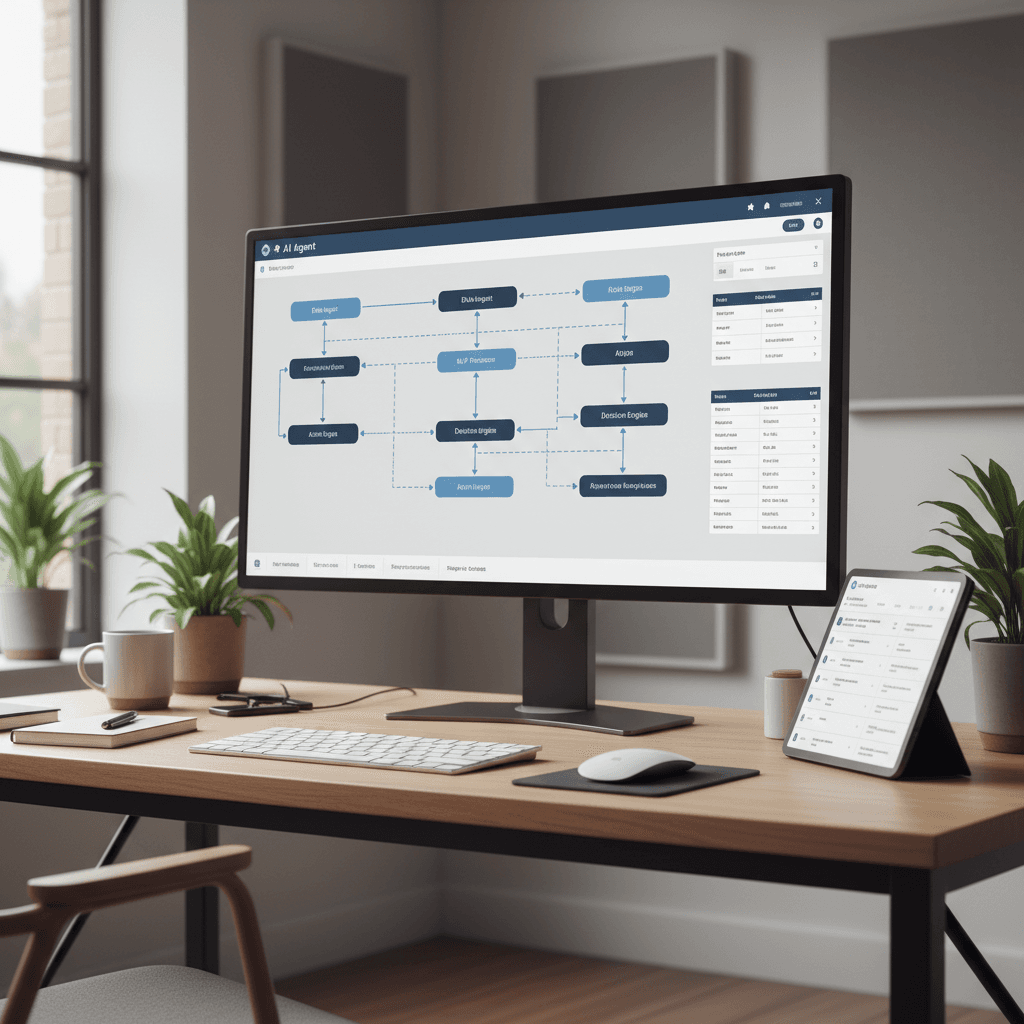
If you've been waiting for the moment when AI agents move from cool demos to dependable business tooling, this is it. OpenAI Agent Builder brings a drag‑and‑drop canvas, no‑code logic, and advanced reasoning into one place—making it practical to ship AI workflows in days, not months. For teams staring down the holiday rush and Q1 planning, the OpenAI Agent Builder is a timely upgrade.
In this guide, we'll demystify how to build production‑ready AI agents without writing much code. You'll see how a multi‑agent customer service bot works in practice, how to turn responses into interactive visual widgets, and how to connect your stack via MCP—including Zapier and n8n—while staying inside the platform's guardrails. We'll close with a go‑live checklist you can use this week.
Agents shouldn't just chat—they should change state in your systems. The promise of OpenAI Agent Builder is turning conversations into actions, safely.
Why Agent Builder Matters Now
The stakes are higher than ever: seasonal peaks, rising expectations for instant support, and pressure to qualify leads faster. Traditional automations in tools like Make or Zapier are powerful, but they're brittle when user input is ambiguous. The OpenAI Agent Builder adds reasoning—using models like ChatGPT‑5—on top of your workflows so agents can interpret intent, choose tools, and decide next steps.
What this means for operators, marketers, and product teams:
- Faster time‑to‑value: prototype in hours, deploy in days
- More accurate routing: classification improves handoffs to specialists
- Richer UX: responses can render as visual widgets (tables, forms, cards) instead of plain text
- Easier embedding: drop agents into your site or app with
ChatKit
Use cases you can tackle immediately:
- Customer support triage and deflection
- Sales qualification with CRM updates and meeting scheduling
- Knowledge retrieval across docs and tickets
- Onboarding and training copilots for frontline teams
Inside the Visual Canvas: Reasoning and Nodes
The visual canvas is where you assemble agents and logic. Think of it as a flow studio that combines AI decisions with classic automation blocks.
Key building blocks:
- Classification Agent: routes conversations to the right specialist
- Specialist Agents: e.g., Support, Sales, Billing—each with its own tools and knowledge
- Tools and Connectors: CRM, help desk, calendars, data APIs, webhooks
- Memory and State: store conversation variables, IDs, and outcomes
- Policies and Guardrails: constrain what an agent can do and see
The orchestration is powered by advanced reasoning (ChatGPT‑5 level). Instead of hardcoding if‑then rules, you write concise instructions and provide examples. The agent selects tools, interprets results, and decides whether to ask clarifying questions or proceed.
Proven design patterns
- Router pattern: a single classifier fronts multiple specialists (Support, Sales, Billing)
- Toolformer pattern: one agent that chooses from multiple tools based on user intent
- Human‑in‑the‑loop: threshold‑based escalation when confidence is low
- Safety wrapper: policies that block sensitive actions unless certain conditions are met
Testing and iteration
Use synthetic test sets of real user queries (sanitized), measure routing accuracy, and capture failure modes. Add a retry block with alternative prompts, and log every tool call and response for auditability.
Hands‑On: Build a Multi‑Agent Customer Service Bot
Let's build a triage bot that classifies requests and hands off to specialists, with clean escalation and CRM logging.
Step‑by‑step
- Intake node: capture user request, store context (email, account ID if known).
- Classification Agent: define labels like Billing, Tech Support, Sales, Other. Provide 5–10 examples per label.
- Branching logic: route to the appropriate specialist agent.
- Support Agent: tools include help desk search, ticket creation, order lookup.
- Sales Agent: tools include CRM lead creation, qualification checklist, calendar booking.
- Escalation: if confidence < threshold or sentiment negative, create a high‑priority ticket and notify a human.
- Logging and analytics: write outcome, label, resolution time, and satisfaction score to your data store.
Example system prompt for the classifier:
- Objective: "Assign one label: Billing, Tech Support, Sales, or Other."
- Rules: "If the user mentions pricing or invoice errors, choose Billing. If they mention bugs, errors, or troubleshooting, choose Tech Support. If they ask about demos, features, or plans, choose Sales."
- Output: "Return JSON with label and confidence."
For specialists, constrain scope:
- Support Agent: "Use the ticketing tool first to search prior incidents. Offer one actionable step and one follow‑up question. If the user confirms, create a ticket and summarize the issue."
- Sales Agent: "Qualify with 3 targeted questions. If BANT criteria are met, create a CRM lead and propose two meeting slots."
Measuring success
Track the following KPIs from day one:
- Routing accuracy by label
- First contact resolution rate and time‑to‑first‑action
- Ticket deflection and cost per conversation
- Lead conversion from routed Sales conversations
Create a weekly review ritual. Inspect misrouted samples, add examples to the classifier, and refine prompts. Over two to three cycles, you'll see dramatic stability gains.
From Text to UI: Visual Widgets and Embeds
One of the most exciting shifts is how answers become interfaces. With natural language, you can ask the agent to render results as interactive components: tables, forms, charts, checklists, and cards. This turns passive chat into a guided workflow.
Practical examples
- Order status table: "Show the last five orders for this customer with columns for order ID, status, and delivery date. Make status sortable."
- Troubleshooting checklist: "Render a step‑by‑step list with checkboxes. If steps 1–3 fail, reveal a form to collect logs and auto‑create a ticket."
- Sales recap card: "Summarize the conversation as a card with pain points, timeline, and next steps, then write it to the CRM."
Because the widgets live in the same canvas, you can wire actions to them: submit a form, call a tool, or branch logic. It's a better UX than a wall of text and reduces user error.
Embedding with ChatKit
ChatKit lets you drop your agent into any page or app shell. You can:
- Match brand styling and tone
- Preload context (plan tier, locale, account status)
- Gate advanced actions behind authentication
- A/B test prompts, widgets, and flows without redeploying your codebase
Integrations, Guardrails, and Go‑Live Checklist
Agents are only as useful as the systems they can touch. The Model Context Protocol (MCP) is the superpower that connects your agent to the rest of your stack.
Connect to everything with MCP
- Zapier via
MCP: trigger and receive actions across thousands of apps—create tickets, update CRM records, schedule meetings, send notifications. - n8n via
MCP: great for teams that prefer self‑hosted or need custom nodes and privacy controls. - Direct APIs: expose specific endpoints as tools with strict input/output schemas.
Scope tools tightly: specify allowed fields, redact PII where feasible, and add confirmation steps for destructive actions.
Guardrails and governance
- Role‑based access: limit which agents can call which tools
- Prompt policies: ban risky instructions and require approvals for high‑impact actions
- Data minimization: pass only the fields required for a task
- Observability: log prompts, tool calls, responses, and decisions for audits
- Rate‑limits and cost budgets: prevent runaway usage during peaks
Go‑live checklist
- Define a single, high‑value use case (e.g., support triage) and baseline current metrics
- Build an MVP in the canvas with classifier + one specialist
- Wire
MCPintegrations behind a feature flag - Run a shadow period with human reviewers; collect edge cases
- Add visual widgets for the top three outcomes
- Set escalation thresholds and create a human handoff
- Launch to 10–20% of traffic, monitor KPIs daily, then ramp
Final Thoughts and Next Steps
OpenAI Agent Builder turns no‑code AI workflows into shippable, governable products. The visual canvas, multi‑agent routing, interactive widgets, and MCP integrations are a complete toolchain for teams that need outcomes, not experiments. With ChatKit, you can embed those outcomes wherever your users already are.
If you want a fast path to value, pick one use case, one metric, and one week. Build the classifier, wire a specialist, add a widget, and connect to your systems. If you'd like help designing the first blueprint or running a pilot, our team at Vibe Marketing can facilitate a hands‑on workshop and deliver a ready‑to‑ship plan.
The next year belongs to teams that operationalize agents responsibly. Start with the OpenAI Agent Builder today, and make 2026 the year your AI agents don't just talk—they work.