Turn this week's mobile editing trends into branded content that sticks. Get AI workflows, pacing, color, and sound tips you can execute in under an hour.
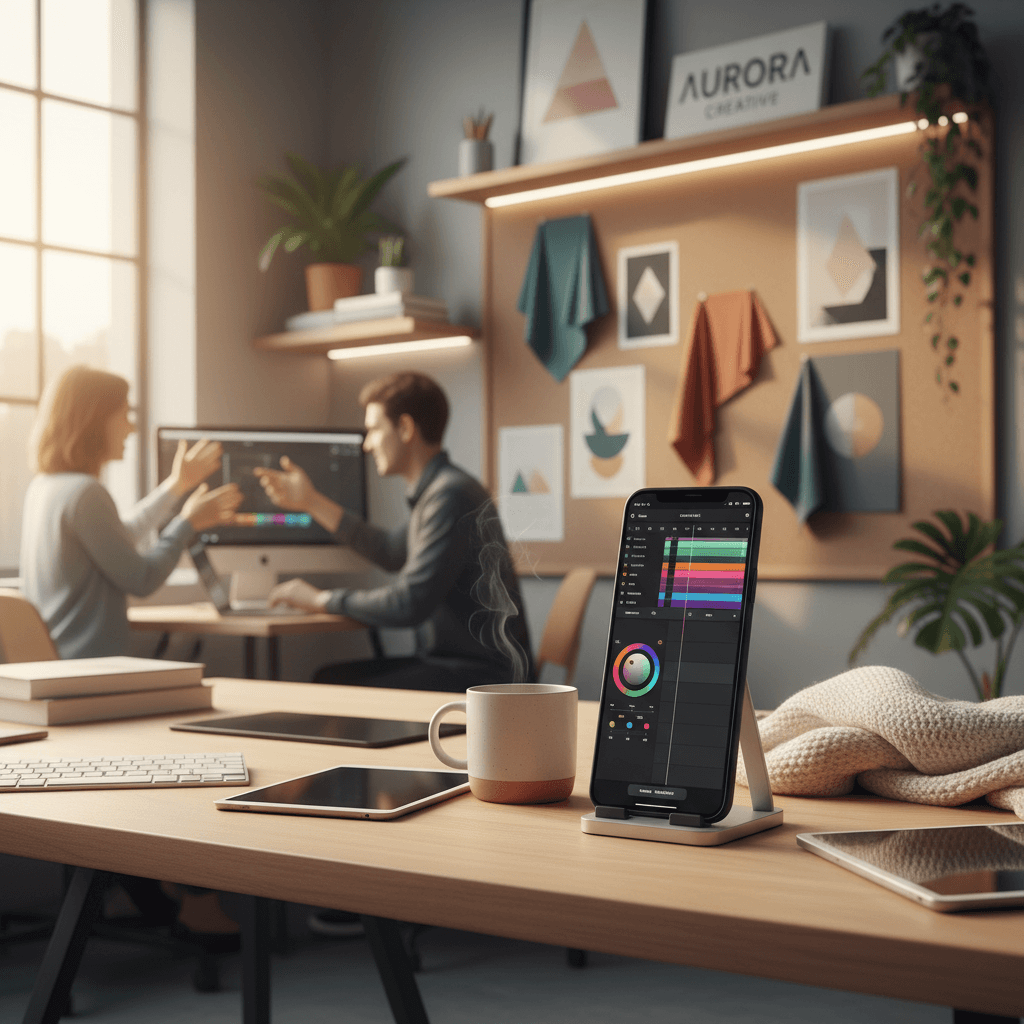
In the rush of Q4 campaigns, mobile editing trends can be the difference between a forgettable post and a brand-building moment. With algorithms rewarding watch time, saves, and shares, knowing which patterns are popping this week—and how to adapt them—is essential. If you're shaping branded content on Reels, TikTok, or Shorts, mastering mobile editing trends is the fastest path to consistent engagement.
This article, part of our Mastering Branded Content Editing: Tips, Tools & Trends series, unpacks this week's buzziest patterns—transitions, AI enhancements, relatable micro-stories, and duo/couple scenes—and shows you how to turn trend energy into on-brand storytelling. You'll walk away with step-by-step tactics, an AI-powered workflow, and a simple plan you can execute before the weekend.
Creators across social are experimenting with slick transitions, subtle AI polish, and bite-size scenarios that feel instantly familiar. The result: faster hooks, higher retention, and more saves.
Why This Week's Mobile Editing Trends Matter
November is peak attention season. Audiences are primed for gift guides, cozy visuals, and quick how-tos. Mobile editing trends give you a ready-made visual language that viewers already understand—meaning you can spend less time explaining and more time connecting brand value to immediate viewer intent.
- Trends lower the cognitive load. When viewers recognize the format, they settle in faster.
- Trends shorten the creative cycle. You can iterate quickly and ride cultural momentum.
- Trends amplify brand memory. Repetition of style and structure builds recall across a series.
The key is to translate what's trending into your brand's voice—without looking like a copycat or sacrificing clarity. That's where craft and strategy meet.
This Week's Mobile Editing Trends and How to Adapt Them
1) Transitions with purpose
From whip pans and match cuts to speed ramps, transitions are back in rotation. Use them to visualize change—before/after, problem/solution, or old way/new way.
How to execute:
- Plan motion in-camera. Start shot A moving left; start shot B moving left to match vectors.
- Keep clips tight: 2–3 seconds per beat; ramp speed 120–200% only where it serves the story.
- Anchor the transition in meaning: e.g., "tap to transform" moments for product demos.
Brand guardrails:
- Limit to 1–3 hero transitions per 15 seconds to avoid visual fatigue.
- Maintain logo/pack presence for at least 0.8–1.2 seconds post-transition for recognition.
2) Subtle AI enhancements
AI is everywhere, but the winners use it as an invisible assistant. Think auto-reframing, smart masking, cleanup, and style consistency—not gimmicks.
Practical plays:
- AI reframing: Keep faces centered for 9:16 while preserving motion.
- Smart masks: Isolate products for color pops or light glows without manual rotoscoping.
- Cleanup: Use generative tools to remove wires, blemishes, or background clutter.
- Captions: Auto-transcribe, then brand the style for instant recognition.
Guideline: Use AI to assist speed and polish; avoid uncanny alterations that undermine trust.
3) Relatable micro-stories
Relatable moments—tiny frictions everyone recognizes—are dominating feeds. Pair a shared pain point with a quick fix and a save-worthy takeaway.
Story scaffold (15–20 seconds):
- Hook (0–2s): "When your coffee gets cold mid-call…"
- Turn (2–7s): Show the product or method solving it.
- Proof (7–15s): Before/after or quick tips (on-screen text beats work well).
- Save/Share CTA (last beat): "Keep this for Monday mornings."
Production note: Shoot in everyday environments and let imperfections breathe; authenticity outperforms perfection in this format.
4) Duo and couple scenes
Two-person dynamics are trending because dialogue creates built-in tension and momentum. If you're a solo creator, simulate the effect with split screen, shot-reverse-shot, or a guest clip.
Direction tips:
- Eye-line continuity: Match sight lines between angles for natural conversation.
- Rhythm: Alternate A/B shots every 1–2 lines; add a medium cutaway to reset pacing.
- Role clarity: One character frames the problem; the other delivers the fix.
Pro move: If you can't cast a second person, use a POV handoff or text-bubble replies to mimic dialogue.
Pacing, Color, and Sound: Turn Trends into Story
Trends get attention; craft keeps it. Elevate your cuts with deliberate pacing, coherent color, and sound that guides emotion.
Pacing that respects attention
- Clip length: Aim for 2–3 seconds per shot; go tighter (1–2s) for B-roll sequences.
- First 3 seconds: Show the destination (the after) before the journey (the how).
- J-cuts and L-cuts: Lead with audio 100–300 ms before the next clip to keep flow.
- Kill the dead air: Remove micro-pauses between lines unless you're signaling a beat.
Color that carries brand memory
- White balance first; LUTs second. Fix neutrals, then apply your look.
- Build a micro-palette: 2 primary brand colors + 1 accent. Repeat across a series.
- Protect skin tones: Keep them natural; move stylization to backgrounds and props.
- Export consistency: Match contrast and saturation across episodes to feel "serialized."
Sound that sells the moment
- Voice first: Music should sit 8–12 dB under dialogue; add gentle compression for clarity.
- Foley pops: Add subtle swishes, taps, and snaps to support transitions.
- Beat-aware cutting: Align key visual changes to downbeats or snare hits.
- Captions 100% of the time: Many viewers are silent-first; design captions as part of the brand kit.
AI Workflows: From Idea to Export in Under an Hour
AI isn't just an effect—it's a productivity multiplier. Here's a lightweight, repeatable workflow built for speed and consistency.
The 60-minute sprint
- 10–15 min: Ideate with an AI prompt. Generate 5 hooks tied to this week's trend, your audience pain point, and a unique brand angle. Pick one.
- 5 min: Make a 6–8 shot list. Label each shot with function (hook, proof, CTA) and estimated seconds.
- 20 min: Shoot. Lock exposure, shoot in vertical 9:16, capture 2 takes per shot.
- 15–20 min: Edit on mobile. Use AI cut detection, beat sync, and auto-captions; apply brand preset; add 2–3 foley accents; export.
- 5 min: QC checklist (below) and schedule.
QC checklist before you post
- Hook visible in frame 1; value clear by second 3.
- Captions readable in safe zones; no UI elements covered.
- Brand asset visible or named at least once.
- CTA: save/share or comment prompt that matches the content's value.
- Thumbnail: choose a frame with a human face or a bold product angle.
Automate the boring parts
- Template your projects: Intro sting, caption style, SFX bed, and color preset.
- Auto-reframe for vertical: Keep the subject centered across platforms.
- Batch weeklies: Shoot 3–5 variations in one session; swap hooks; reuse the same timeline.
Platform Optimization and What to Measure
Optimize your edit for where it lives. Small technical choices add up to big retention gains.
Format and framing
- Aspect: 9:16 vertical; 1080×1920 minimum.
- Frame rate: 24–30 fps; keep shutter motion consistent across clips.
- Safe zones: Keep captions and key text away from top/bottom UI regions.
Hook, caption, and CTA best practices
- Hook types that work: "Stop doing X, do Y," "What no one tells you about…," or a visual reveal.
- On-screen text: 6–10 words max per card; 1.5–2.5 seconds per card.
- CTA alignment: If the asset is educational, nudge a save; if it's aspirational, nudge a share.
What to measure weekly
- 3-second holds: Aim for 60%+ retention.
- Completion rate: For 12–20s videos, 35%+ is a strong signal.
- Saves and shares: Leading indicators of future reach.
- Comments per 1,000 views: Track conversation health.
If a video underperforms, iterate the hook and first cut—not the entire concept. One tighter opening can double retention.
A 5-post plan you can film this week
- Post 1: Transition-led product reveal (before → after). Add one line about what changed and why it matters.
- Post 2: Relatable micro-story + quick fix. End with "save this for later."
- Post 3: Duo format Q&A (real or simulated). One asks the pain point; the other answers with a tip.
- Post 4: AI-polished demo. Use smart masking to spotlight the product; keep it subtle.
- Post 5: Cozy-season montage. Texture shots, soft light, gentle music; caption with a tip list.
Bringing It Back to the Series
In Mastering Branded Content Editing: Tips, Tools & Trends, our aim is to bridge what's trending with what's timeless. This week's mobile editing trends are a springboard—transitions to convey change, AI for polish and speed, relatable stories for empathy, and duo scenes for momentum. Layer in pacing, color, and sound discipline, and you'll ship creative that wins both attention and brand equity.
Ready to operationalize this? Choose one trend, pair it with your strongest hook, and run the 60-minute sprint today. Then measure, iterate, and scale. Which trend will you adapt first?