Use a 3‑tool AI workflow to build a photorealistic AI twin that records on‑brand videos for you, turning your Vibe Marketing strategy into scalable content.
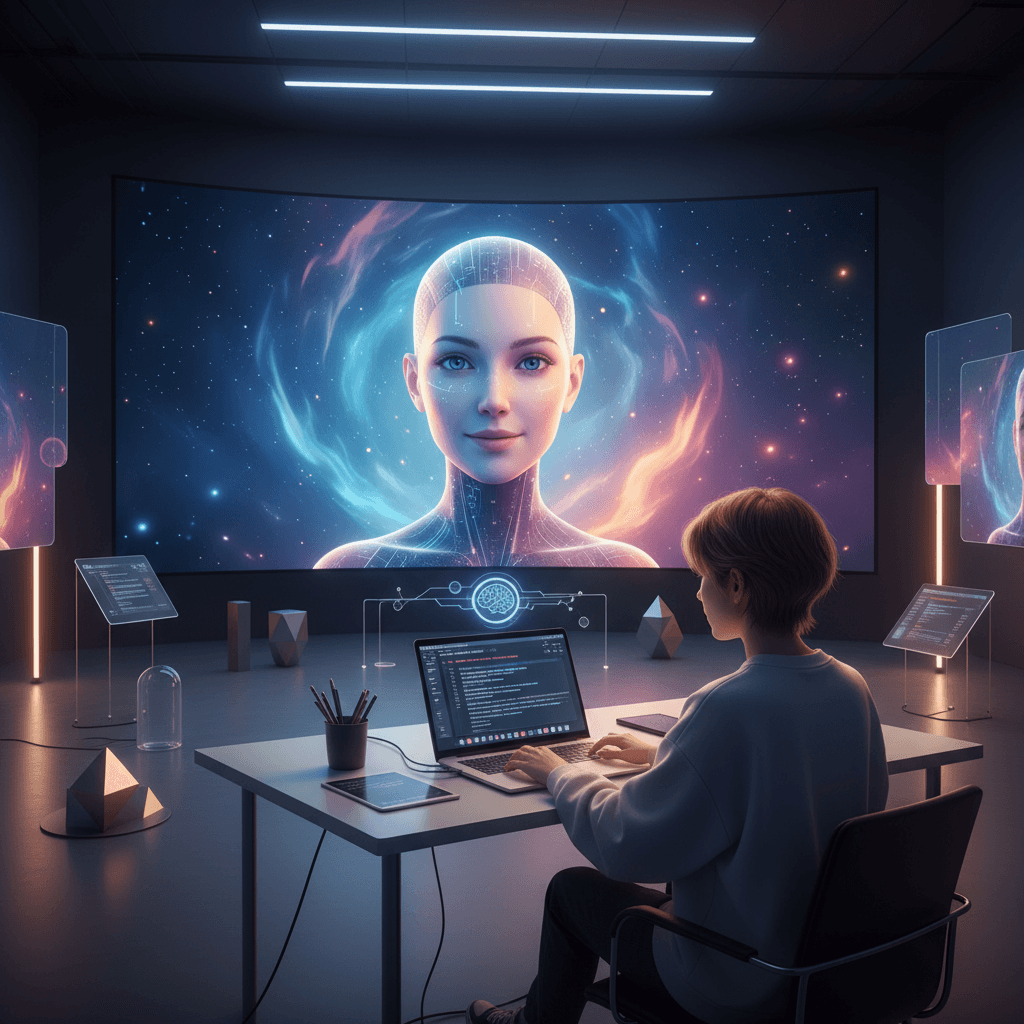
Build a Photorealistic AI Twin for Marketing Video
In 2025, the most powerful spokesperson for your brand might not be you – but your AI twin.
Creators, founders, and marketers are using photorealistic AI avatars to film entire content series without turning on a camera. Your AI version can present webinars, record how‑to videos, host product explainers, and even front ad campaigns – all generated from text.
This isn't sci‑fi; it's a practical, three‑tool workflow that fits perfectly into the Vibe Marketing philosophy: using intelligent tech to create emotionally resonant, human‑feeling content at scale.
In this guide, you'll learn how to use ChatGPT, a cinematic video model like Google VEO 3, and a talking‑avatar tool to create a lifelike AI version of yourself that can speak, move, and stay visually consistent across videos.
We'll cover:
- The 3‑tool stack you need to build your AI twin
- How to design prompts that create your on‑screen vibe, not just your visuals
- A step‑by‑step workflow from static photo to talking head video
- Pro‑level tips to avoid uncanny results and protect your brand
- A final checklist so you can go from idea to finished video quickly
Why AI Twins Matter for Modern Vibe Marketing
Vibe Marketing is about more than impressions and click‑through rates. It's about the feeling your brand gives people – trust, curiosity, excitement, belonging.
Video is still the fastest way to transmit that emotion. The problem: traditional video production is slow, expensive, and dependent on perfect hair days, quiet rooms, and aligned schedules.
A photorealistic AI avatar changes the game:
- You can batch‑create months of video content in a weekend.
- Your message stays consistent – tone, framing, and style are repeatable.
- You can test multiple hooks, angles, and CTAs without re‑shooting.
- You show up on camera even when you're busy, traveling, or just not camera‑ready.
In vibe terms: your presence becomes scalable, while your human energy stays focused on strategy, offers, and community.
The 3‑Tool Stack to Build Your AI Twin
You only need three core tools to go from idea to photorealistic AI video:
- ChatGPT (with a Custom GPT) – for scripting and cinematic prompt writing
- A photorealistic video generator (like Google VEO 3) – for creating your AI body and motion
- A talking‑avatar / lip‑sync tool – to turn a still image into a speaking version of you
Each plays a different role in the Vibe Marketing workflow.
1. ChatGPT: Your AI Director and Scriptwriter
A generic prompt like "Make a video of me talking about my product" will give generic‑feeling results.
To create real vibe alignment, you want a Custom GPT that understands:
- Your personality and brand archetype (mentor, rebel, guide, etc.)
- Your target audience and their emotional drivers
- Your visual style (camera angles, lighting, background mood)
- The structure of high‑retention short‑form and mid‑form video
What to give your Custom GPT:
- 1–3 sample scripts or posts you've written
- A quick style guide: how you talk, don't talk, preferred phrases
- Your brand's core promise in one sentence
- A few reference emotions you want viewers to feel (e.g., "confident," "inspired to start," "safe to experiment")
Then, prompt it to output two things:
- The spoken script – what your AI twin will say
- The cinematic prompt – how the scene should look (for the video generator)
Example instruction to your GPT:
"Write a 45‑second script for my AI avatar teaching coaches how to repurpose one webinar into 10 short videos. Then write a separate, detailed visual prompt describing how the video should look: camera position, facial expression, outfit, background, and lighting that matches a modern, trustworthy marketing brand."
2. Google VEO 3 (or Similar): Your Cinematic Engine
A model like Google VEO 3 turns words into moving pictures. For our use case, you're aiming for:
- A consistent digital double that always looks like you
- Natural face and body movement
- Professional lighting and framing that fits your brand vibe
Key elements to include in your visual prompt:
- Age, gender expression, and facial features that resemble you
- Clothing that matches your usual on‑camera look
- Camera type and angle (e.g., "cinematic close‑up, eye‑level")
- Background that fits your Vibe Marketing aesthetic (studio, office, city loft, etc.)
- Emotional tone ("calm confidence," "energetic and excited," "warm and reassuring")
Your goal: generate a short, silent clip or series of frames of "you" looking at the camera, blinking, nodding, and moving naturally.
3. Talking‑Avatar Tool: Bringing the Face to Life
The last step is to sync voice and motion so your AI twin actually speaks.
A talking‑avatar tool typically needs:
- A reference image (a frame from your VEO clip or a high‑quality photo of you)
- An audio file of your script, recorded by you or cloned by an AI voice model
It then animates your lips and subtle facial movements to match the audio.
For Vibe Marketing, this is where the magic happens: micro‑expressions, eye contact, and pacing combine with your message to create that sense of "this person is talking directly to me."
Step‑by‑Step Workflow: From Photo to AI Video
Below is a practical workflow you can repeat for each piece of content.
Step 1: Define the Vibe and Objective
Before touching any tools, answer:
- Who is this video for?
- What single outcome do I want? (click, reply, save, share, book a call)
- What do I want the viewer to feel by the end?
Example: "This 40‑second video is for freelance designers. The goal is to get them to download my pricing checklist. I want them to feel relieved and confident about raising their rates."
Step 2: Generate the Script with ChatGPT
Feed your Custom GPT the objective and ask for:
- A strong hook in the first 3–5 seconds
- Clear, simple language (no jargon unless your audience expects it)
- 1–2 emotional beats (e.g., a relatable pain, a moment of hope)
- A specific call to action
Then refine:
- Shorten sentences for easier lip‑sync
- Remove tongue‑twisting phrases
- Read it out loud once to check flow
Step 3: Create the Visual Prompt for Your AI Twin
Ask the same GPT to turn your brand identity into a repeatable scene description. For example:
"Close‑up of a 30‑something South Asian woman with short curly hair and glasses, in a soft‑lit studio with plants and a wooden desk in the background, neutral earth‑tone outfit, friendly but authoritative expression, direct eye contact with camera, minimal hand gestures, modern cinematic lighting."
Save this base prompt as your signature avatar look and adjust only small details between videos (like outfit or background color) to stay recognizable.
Step 4: Generate the Base Video
In your video model:
- Paste the visual prompt
- Specify a short duration (e.g., 5–10 seconds)
- Ask for subtle head movement, blinking, and natural idle motion
You're not trying to match the exact script here; you just need a believable, loopable clip of your AI twin.
Export the best result and capture a high‑resolution still frame for the avatar tool.
Step 5: Record or Generate the Voice
For maximum authenticity in Vibe Marketing, your real voice is a major asset.
Options:
- Record the script using a decent microphone in a quiet room
- Use a voice‑cloning tool trained on your samples
Aim for:
- Clear pacing (slightly slower than normal conversation)
- Natural emphasis on key phrases
- Energy that matches the emotional goal (calm vs. energetic)
Export as a clean audio file.
Step 6: Animate Your AI Twin
In your talking‑avatar tool:
- Upload your reference image or chosen video frame
- Upload your audio file
- Choose realistic lip‑sync and natural head movement settings
Preview and tweak until:
- Lip movement feels in sync (not too exaggerated)
- Eye contact is stable, not darting
- Expressions match the tone of your voice
Export the final talking‑head video.
Step 7: Add Vibe‑Aligned Finishing Touches
In your editor of choice, you can:
- Add on‑screen captions for silent viewing
- Layer subtle background music that matches your brand mood
- Include your logo or a simple lower‑third with your name and title
- End on a branded color card with a clear CTA
Now you have a complete AI video that looks and sounds like you, built from a repeatable stack.
Advanced Tips: Keeping Your AI Twin On‑Brand and Human
Once you have the basics working, these refinements will help you avoid the uncanny valley and protect your vibe.
1. Lock In a "Character Bible" for Your AI Twin
Treat your AI avatar like a recurring character:
- Name their core traits: calm, direct, playful, analytical
- Define their boundaries: what they never say or promise
- Set their visual non‑negotiables: always seated, always eye‑level, no over‑the‑top gestures
Save this as a reference for all future scripts and prompts.
2. Use Emotion Intentionally, Not Randomly
Every Vibe Marketing asset should answer: "What should this feel like?"
Tell your GPT and video tool things like:
- "Softly reassuring, as if talking to a friend who's overwhelmed."
- "High‑energy, launch‑day excitement, but still grounded and trustworthy."
Emotion becomes part of your prompt, not just a happy accident.
3. Watch for Consistency Across Platforms
If your AI twin is showing up on multiple channels:
- Keep one or two signature backgrounds
- Use consistent color grading or filters
- Maintain the same name, title, and intro line
That consistency builds recognition and trust – critical to any Vibe Marketing strategy.
4. Be Transparent with Your Audience
People don't mind AI; they mind being misled.
Consider:
- Making one short video that explains your AI twin and why you use it
- Using occasional behind‑the‑scenes clips of your real self
- Framing the AI twin as your "always‑on co‑host" rather than a replacement
Transparency deepens the relationship instead of eroding it.
Common Mistakes to Avoid with Photorealistic AI Video
Even powerful tools can produce weak vibes if misused.
Avoid these pitfalls:
- Over‑polished perfection – zero imperfections can feel cold or fake; small quirks increase believability.
- Complex, jargon‑heavy scripts – they make lip‑sync harder and kill emotional connection.
- Inconsistent avatars – changing your face shape, age, or style too often confuses viewers.
- No clear CTA – your AI twin should always invite the next step: comment, save, share, or take a specific action.
Think of your AI twin as a teammate. Their job is to deliver clear, compelling content; your job is to design the system and the strategy.
Final Checklist: From Blank Page to AI Twin Video
Use this quick checklist every time you create a new photorealistic AI video:
- Define the goal and feeling of the video
- Draft the script with your Custom GPT, then refine manually
- Generate or reuse your signature visual prompt for the avatar
- Create a short base clip of your AI twin in motion
- Record or clone your voice reading the script
- Animate your avatar with lip‑sync and subtle movement
- Edit and brand the video with captions, music, and CTAs
- Publish and test different hooks and thumbnails
As part of your Vibe Marketing system, a photorealistic AI avatar lets you show up daily without burning out. You design the emotional arc, the message, and the offer – your AI twin handles the on‑camera performance.
The next step is simple: choose one short message your audience needs to hear this week, run it through this 3‑tool workflow, and ship your first AI‑powered video. Then ask yourself:
If my presence can scale this easily, what kind of brand vibe can I build over the next 90 days?