Small teams can now generate AI brand images at scale. Get workflows, prompts, and guardrails to ship more on‑brand visuals—faster and on any budget.
In November, creative teams sprint to deliver holiday campaigns, product drops, and end‑of‑year refreshes—often with tight budgets and tighter timelines. If you've ever wished you could generate AI brand images on demand, with your product front and center and your aesthetic dialed in, this is your moment.
The convergence of AI and visual design means small brands can now match the output and consistency of enterprise teams—without a studio or a seven‑figure budget. In this guide, part of our AI & Technology series, you'll learn practical workflows, prompt patterns, and guardrails to generate AI brand images and short videos that boost productivity and perform at work.
The goal isn't more content; it's the right content—produced faster, cheaper, and on brand.
Why AI brand imagery matters right now
The content race is real. Well‑funded players flood feeds with variants, tests, and tailored assets for every channel. Smaller teams end up recycling the same shots, which can stall growth. AI shifts that equation by trading heavy fixed costs (studios, sets, travel) for flexible, software‑driven production.
- Speed: Turn one product photo into dozens of on‑brand variations in an afternoon.
- Consistency: Lock in your brand's lighting, palette, and mood across campaigns.
- Cost control: Iterate virtually before you commit to physical shoots.
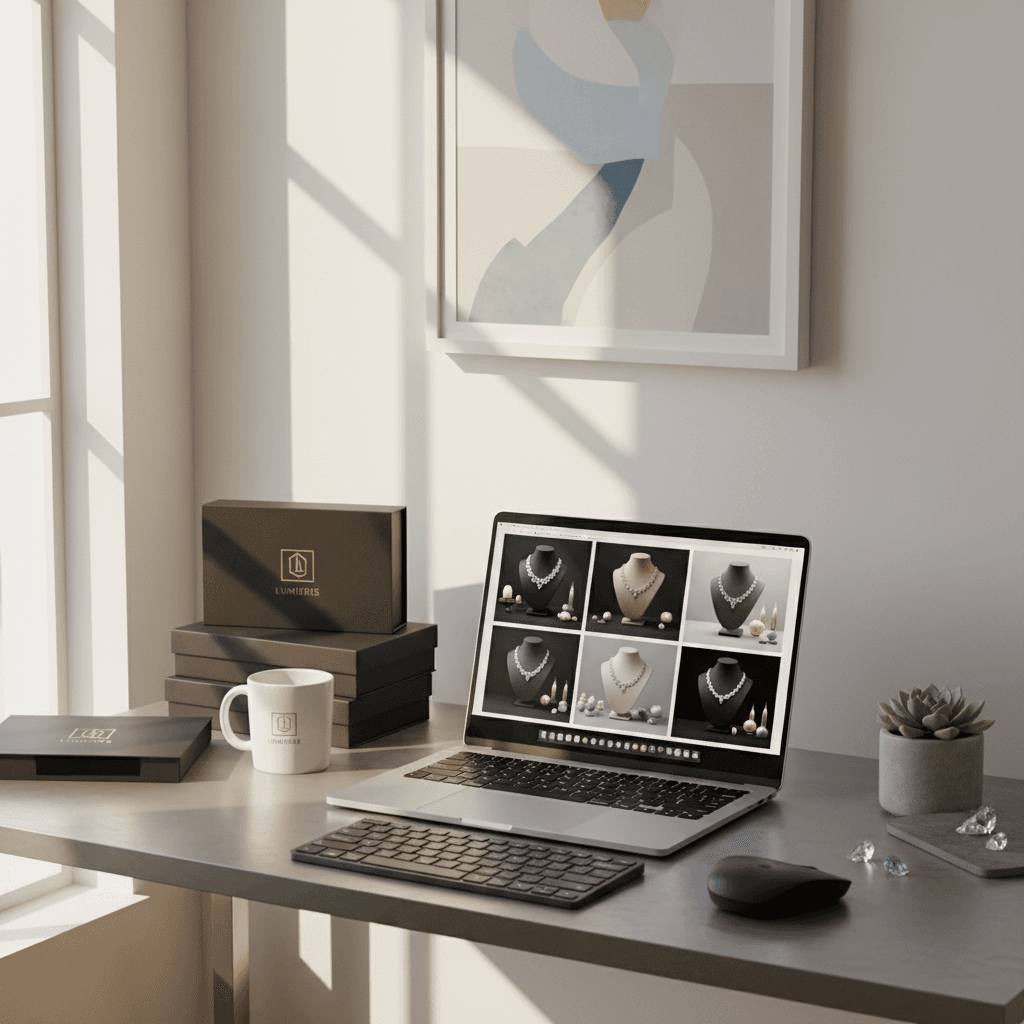
For a lean jewelry brand, for instance, one plain, well‑lit product image can become a series: minimal tabletop shots, editorial lifestyle scenes, seasonal motifs, and ad‑ready cut‑downs—each crafted to a platform's aspect ratio and vibe. That's tangible productivity: fewer bottlenecks and more creative testing.
A practical workflow to scale your visuals
The following workflow helps you move from idea to publishable assets while preserving brand consistency.
1) Prepare your brand kit and product assets
- Brand references: color hex codes, typography, moodboard, sample lifestyle images.
- Product inputs: high‑resolution, evenly lit photos on neutral backgrounds; front/side angles; transparent PNGs if possible.
- Usage checklist: where assets will appear (homepage, PDP, ads, email, in‑app, print). This informs composition and resolution.
2) Choose your generation mode
- Text‑to‑image: Use when you lack base photography; great for concepting backgrounds, sets, and compositions.
- Image‑to‑image: Best for realistic product accuracy. Feed in your product photo and transform setting, lighting, and style.
- Inpainting/outpainting: Add or remove props, extend canvases for vertical/landscape crops, clean edges, and fix reflections.
- Composition control: Use depth or edge maps to preserve product contours while changing scenes.
3) Build prompts the smart way
Use a modular prompt so you can swap variables without losing consistency.
- Core structure: [Product] + [Scene] + [Lighting] + [Camera] + [Mood] + [Brand cues]
- Negative guidance: Specify what to avoid (e.g., "no extra logos, no warped metal").
- Constraints: Call out realism requirements (e.g., "accurate gem facets," "true material texture").
4) Generate in batches, then refine
- Start with 8–16 low‑cost drafts to explore composition and lighting.
- Shortlist the top 2–3 directions per scene; re‑prompt with tighter constraints.
- Use reference images (brand moodboard shots) to anchor color and tone.
5) Quality control and sign‑off
- Accuracy: Does the product's material, color, and proportions match reality?
- Brand: Are palette, mood, and style aligned with guidelines?
- Channel‑fit: Crops, safe margins, and legibility for each platform.
- Compliance: Avoid prohibited symbols/scenes; confirm rights for any real‑world landmarks you emulate.
6) Package and publish
- Export sets by channel (e.g., 1:1, 4:5, 9:16, 16:9) with consistent filenames.
- Add alt text for accessibility and SEO.
- Archive prompts, seeds, and settings alongside final exports to enable fast re‑runs later.
Prompt patterns that just work (with examples)
Use these templates as starting points. Replace variables in brackets to match your brand.
Jewelry (product‑forward, premium)
"[Close‑up product shot] of [PRODUCT: gold hoop earrings] on [SCENE: matte stone pedestal] with [LIGHTING: soft diffused daylight], [CAMERA: 85mm macro, shallow depth of field], [MOOD: clean, modern, luxurious], colors aligned with [BRAND palette], reflections true to metal, accurate scale, no extra engravings, no added logos."
Seasonal twist: "subtle holiday sparkle bokeh, evergreen hints in background, no overt props, sophisticated not kitsch."
Apparel (editorial lifestyle)
"[MODEL: diverse casting, age range 25–35] wearing [PRODUCT: charcoal hoodie] in [SCENE: urban rooftop at golden hour], [LIGHTING: warm rim light + soft fill], [CAMERA: 35mm, eye‑level], [MOOD: candid, aspirational], styling consistent with [BRAND moodboard], realistic fabric drape, no extra logos."
Beauty (clean formula focus)
"[PRODUCT: serum bottle] on [SCENE: glossy acrylic surface with water ripples], [LIGHTING: top‑down softbox, specular highlights], [CAMERA: macro, high clarity], [MOOD: clinical meets spa], label legible and accurate, no text distortion, true bottle geometry."
Food & beverage (appetite appeal)
"[PRODUCT: cold brew bottle] with [SCENE: minimal kitchen counter, morning light], [LIGHTING: directional window light, soft shadows], [CAMERA: 50mm, slight overhead], [MOOD: refreshing, clean], condensation on glass, realistic liquids, no extra labels."
Negative prompt starters
"no extra logos, no misspelled text, no warped geometry, no extra fingers, no duplicate products, no watermarks, no heavy film grain."
Tip: Lock your brand's visual DNA into every prompt: palette, lighting, mood, and materials. Consistency is productivity.
From stills to motion: fast, on‑brand videos
Short videos multiply reach across social and paid. You don't need a studio day to produce scroll‑stoppers.
Turn stills into motion
- Ken Burns movement: slow pan/zoom on high‑res composites for subtle motion.
- Looping textures: animated light sweeps, gentle particle bokeh behind product.
- Scene morphs: cross‑fade between two AI‑generated backgrounds while holding product steady.
Generate product‑anchored clips
- Storyboard 5–7 beats (hook, reveal, benefit, social proof, CTA).
- Maintain product truth: keep label/shape accurate with reference conditioning.
- Export vertical first (9:16), then adapt to 1:1 and 16:9 for other placements.
Add finishing touches
- On‑brand supers and captions (high contrast, 3–5 words max per frame).
- Subtle sound design: whoosh, chime, ambiance to cue transitions.
- Thumbnail design: freeze a clean hero frame with breathing room for overlays.
Guardrails: quality, ethics, and brand safety
AI is a powerful piece of technology, but responsibility matters.
- Product integrity: Never depict features you don't sell. If AI improvises, fix or discard.
- Disclosures: Use "synthetic" or "digitally created" tags where your policy requires.
- Trademark/IP: Avoid inserting recognizable branded environments or protected designs.
- People imagery: If generating models, stay consistent with your DEI guidelines; avoid stereotypes.
- Accessibility: Write descriptive alt text (what the product is, color, setting, mood).
- File hygiene: Keep a manifest of prompts/settings to ensure reproducibility.
Measuring ROI and productivity
A strong AI workflow should make your work measurably faster and better.
- Time‑to‑asset: hours from brief to approved deliverable. Track pre‑ and post‑AI.
- Cost per asset: total production cost ÷ number of usable variants.
- Creative throughput: approved assets per week.
- Performance lift: CTR, save rate, or add‑to‑cart changes from refreshed creative.
- Testing velocity: number of creative hypotheses you can A/B in a month.
Simple baseline formula: "assets produced per week" × "average performance improvement" ÷ "production hours." If the ratio rises while quality holds, your AI system is paying off.
Your next steps (and a holiday‑ready checklist)
As the seasonal push peaks, lock in a repeatable process:
- Assemble brand kit + 5 reference images that scream "this is us."
- Capture 3–5 clean product angles (neutral background, even light).
- Draft 2 master prompts per product: one product‑focused, one lifestyle.
- Generate 8–16 variations; shortlist, refine, and export channel‑ready crops.
- Spin 2 short videos from the winning stills (9–12 seconds).
- Document prompts, seeds, and settings for quick re‑runs in January.
If you're a jewelry brand, start with the premium macro template above and build a library of seasonal scenes (winter whites, evening glamour, gift‑wrapping minimalism). For other verticals, adapt the same structure—product truth first, atmosphere second.
This article is part of our AI & Technology series, where we share real tools and workflows that boost productivity at work. If you want a step‑by‑step checklist and a pack of ready‑made prompts tailored to your category, reach out to request our creative starter kit. The fastest teams in 2025 will be the ones who can generate AI brand images consistently, ethically, and at scale—will yours be one of them?