Turn this week's mobile editing trends into brand-ready edits—transitions, tasteful AI, micro-moments, and duet scenes—with workflows, checklists, and KPIs.
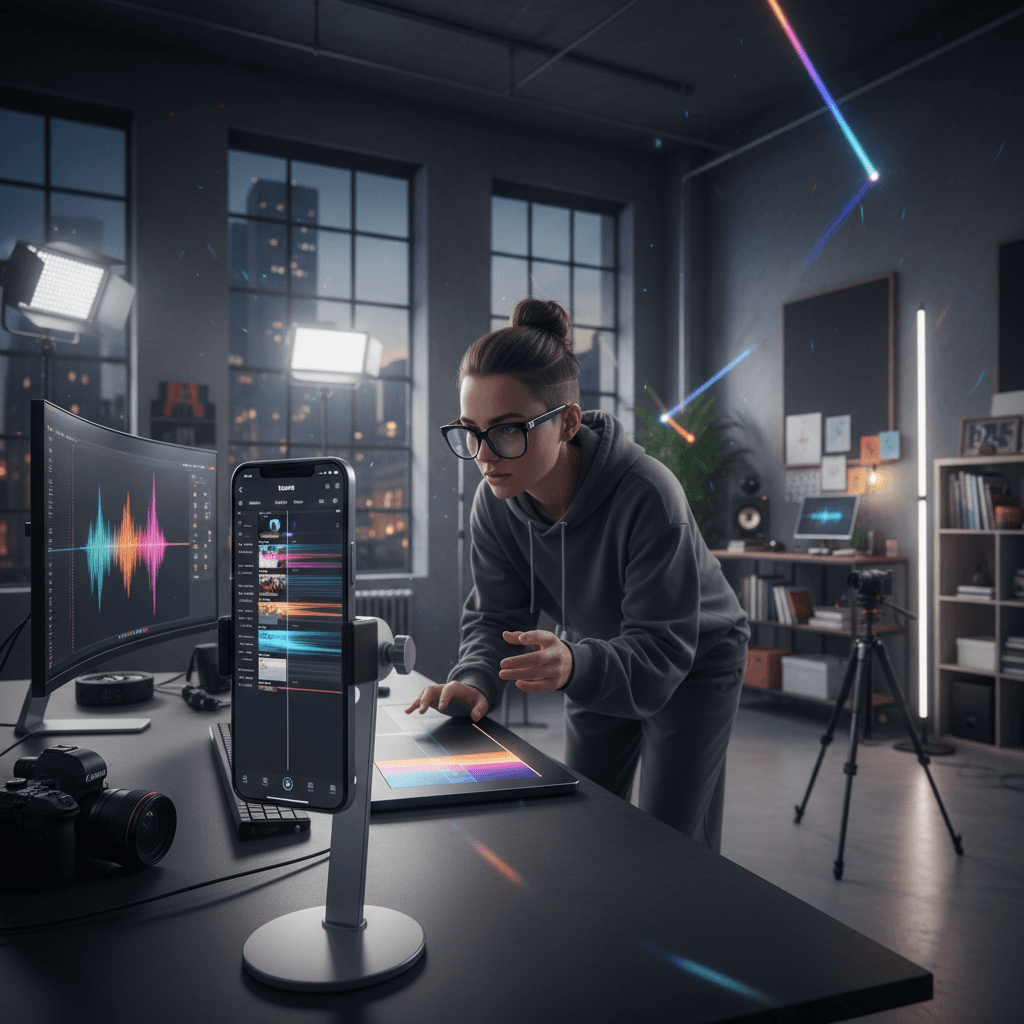
As 2025 holiday campaigns kick into high gear, mobile editing trends are moving faster than ever. If your team is building Reels, TikTok, or Shorts, the right choices in transitions, pacing, and AI effects can be the difference between a swipe-away and a save. In this week's roundup, we translate mobile editing trends into brand-ready techniques you can deploy immediately.
This article is part of our Mastering Branded Content Editing: Tips, Tools & Trends series. We'll connect what's trending on creators' feeds to practical, scalable workflows for marketing teams. Our focus: mobile editing trends you can adapt to different objectives—awareness, engagement, and conversion—without losing brand consistency.
Expect play-by-play breakdowns of transitions, creative AI enhancements, relatable micro-moments, and duet-style couple scenes, plus an AI-assisted workflow, platform checklists, and measurement plan you can hand to your team today.
Why Mobile Editing Trends Matter for Brands in 2025
Short-form, vertical video remains the fastest way to earn attention in crowded feeds. But it's not just about making more content—it's about editing smarter. The best-performing branded videos blend creative flair with editorial discipline: tight pacing, on-brand color, crisp sound design, and story beats that reward a viewer every 1–3 seconds.
Trends accelerate discovery. Editing styles that feel current help your content earn initial watch time, while strong branded storytelling keeps viewers through the end. The sweet spot is where a trend's visual language carries your message rather than competing with it.
For teams under pressure to produce more with less, AI-enhanced editing compresses timelines: automated rough cuts, beat detection, captions, style matching, and rapid versioning give you room to test more ideas—without sacrificing craft.
This Week's Standout Trends (and How to Use Them)
The latest creator-led patterns show up across Reels, TikTok, and Shorts. Here's what's popping—and how to adapt each for branded storytelling.
1) Seamless Transitions that Drive Story
What it is: Jump cuts synced to beats, whip pans, match cuts (object or motion aligns across shots), and hand-over-lens reveals.
How to use it:
- Top-of-funnel: Use a quick triple transition to introduce product, benefit, and proof in the first three seconds.
- Mid-funnel: Match-cut a hero object (e.g., bottle, device) into different contexts to convey versatility.
- Conversion: Transition from problem to solution with a hand-cover reveal; end on a clear CTA screen.
Pro tip: Shoot for the transition. Align movement direction, frame size, and color between shots. Record a "clean plate" in case you need to mask for a smoother match.
2) Creative AI Enhancements (Tasteful, Not Tacky)
What it is: AI clean-up (noise, stabilization), smart masks for object isolation, stylized background swaps, AI-generated b-roll overlays, and automatic captions with dynamic emphasis.
How to use it:
- Visual clarity: Use AI de-noise and stabilization on handheld clips for a premium feel—especially crucial for luxury or tech brands.
- Emphasis: Auto-caption the key line, then bold or color one phrase to anchor attention and aid accessibility.
- World-building: Light AI background treatments can set mood (e.g., subtle neon for nightlife brands) without overwhelming the product.
Pro tip: Keep AI effects under 15–20% of total visual time. The best AI feels like grading and sound design—enhancing intent, not stealing the show.
3) Relatable Micro-Moments You Instantly Recognize
What it is: Everyday beats (the sigh before a task, the tiny win, the guilty pleasure) condensed into 5–10 seconds, often with POV framing or lip-sync.
How to use it:
- Use a universal emotion to humanize brand value. Example: "That 3 p.m. slump" → cut to your functional beverage opening with a crisp sound and refresh transition.
- Show, don't tell: Replace narration with expressive gestures and captions. Keep the cutdowns punchy.
Pro tip: Script a three-beat micro-story: Relatable trigger → Product enters → Satisfying resolution. Build it to loop seamlessly.
4) Couple/Duet Scenes with Conversational Energy
What it is: Two-person scenes where one plays skeptic, the other advocate. Sometimes filmed as a duet or split screen.
How to use it:
- Social proof: Turn FAQs into a fun back-and-forth. Each line is one cut, one beat.
- Creator collabs: Invite a partner or creator to "play the foil" to surface objections and bust myths.
Pro tip: Shoot both sides in the same lighting and angle for continuity. Use a shared prop across cuts to anchor the scene.
Inspiration watchlist: Creators experimenting with transitions, AI polish, and narrative beats—like those shared by mobile editing communities and standout editors—demonstrate how small stylistic choices can massively lift watch time.
A Practical Mobile Editing Workflow with AI
Use this end-to-end workflow to move from idea to publish fast—without sacrificing brand standards.
Pre-Production: Define the Edit Before You Shoot
- One-sentence intent: "We want a 15–20s micro-story using match cuts to show versatility."
- Shot list by beats: Hook (0–2s) → Value (3–7s) → Proof (8–12s) → CTA (13–20s).
- Visual rules: Brand color accents, no heavy filters, captions in brand font family, consistent shadow/highlight range.
Capture: Shoot for Transitions and Sound
- Capture motion in and out of each shot for match cuts.
- Record clean foley: product clicks, pours, swipes. Silence is expensive; good sound is priceless.
- Get a clean plate for masking and AI object isolation.
Rough Cut: Structure and Pacing
- Drop selects into a 9:16 timeline.
- Cut on action; preview on a phone early to judge legibility.
- Keep first frame high-contrast and recognizable at thumbnail size.
AI-Assisted Passes: Speed with Taste
- Beat detection: Auto-map cuts to music.
- Smart masking: Isolate product quickly for pop-out moments.
- Auto-captions: Generate, then manually edit to on-brand voice. Highlight one keyword per line.
- Enhancement: Light de-noise, stabilization, skin tone preservation.
Finishing: Color, Sound, and Export
- Color: Subtle warmth/cool tones based on brand palette; maintain consistent white balance.
- Sound design: Layer music + foley + one signature brand sound.
- End card: Logo minimal, CTA crystal clear. Test two variants.
Platform Optimization: Reels, TikTok, and Shorts
Even with the same core story, each platform has quirks. Optimize once, then version quickly.
Hooks and Retention
- First 2 seconds: Movement, close-up, or question on screen.
- Give a payoff every 1–3 seconds: a cut, punch-in, on-screen text, or micro-reveal.
- Loop: Last frame should plausibly connect back to the first.
Visuals and Accessibility
- Safe zones: Keep text and key action inside vertical safe areas.
- Captions: Always on. Use high contrast and large legible type.
- Thumbnails: Select a frame with product + emotion. Avoid clutter.
Metadata and Cadence
- Titles/descriptions: Lead with the value or emotion, then the product.
- Hashtags: Mix broad category tags with specific use-case tags.
- Posting frequency: Batch-produce 3–5 variants from one edit to test over a week.
Measure, Iterate, Scale: From Trend to Brand Asset
Editing trends are the spark; iteration is the engine. Treat each video like a micro-experiment.
KPIs That Map to the Edit
- Hook strength: 1–3s retention and initial watch time.
- Story clarity: 50%+ average watch time or a visible retention "plateau" mid-video.
- Save/share rate: Indicator of useful or entertaining edits that travel.
- Conversion lift: CTR on end-card frames or uplift on pinned comments.
A/B Tests Worth Running
- Transition rhythm: Straight cuts vs. match cuts.
- Caption style: Minimal vs. emphasized keywords.
- Color grade: Neutral vs. brand-accented warmth/cool.
- Ending: Direct CTA vs. soft looped ending.
The "Trend-to-Template" Play
When a trend works, templatize it:
- Document shot list, pacing grid, caption format, and sound kit.
- Build a reusable project with markers for beats and safe zones.
- Create a variant checklist for different products or messages.
Quick Recipes You Can Steal This Week
- Match-Cut Product Tour
- Shots: Hand places product → quick outfit/room/location swaps via match cuts → final hero close-up.
- Edits: Beat-synced transitions, subtle AI stabilization, warm brand grade.
- Use: Versatility message for fashion, beauty, or lifestyle.
- Relatable Micro-Moment + Solution
- Shots: POV "struggle" → product enters frame → satisfying sound and visual change.
- Edits: On-screen captions for the emotion and the fix; loop ending.
- Use: Function-forward CPG, productivity apps, wellness.
- Duet-Style FAQ Busting
- Shots: Side A raises a concern; Side B answers with proof.
- Edits: One cut per line, bold a keyword, finish with CTA card.
- Use: Consideration-stage content for tech or services.
In fast-moving feeds, mobile editing trends are your accelerant—but your brand story is the fuel. Use the techniques above to capture attention with transitions, layer tasteful AI enhancements, and anchor everything in relatable moments that feel human. Build a repeatable workflow, test deliberately, and promote winners into templates.
If you're building out your 2025 content engine, save this playbook and share it with your team. Want weekly mobile editing trends and ready-to-use checklists? Raise your hand and we'll send the latest straight to your inbox.