Turn random prompts into a repeatable AI imagery workflow. Plan shoots, lock your brand style, and scale on‑brand assets across images and video.
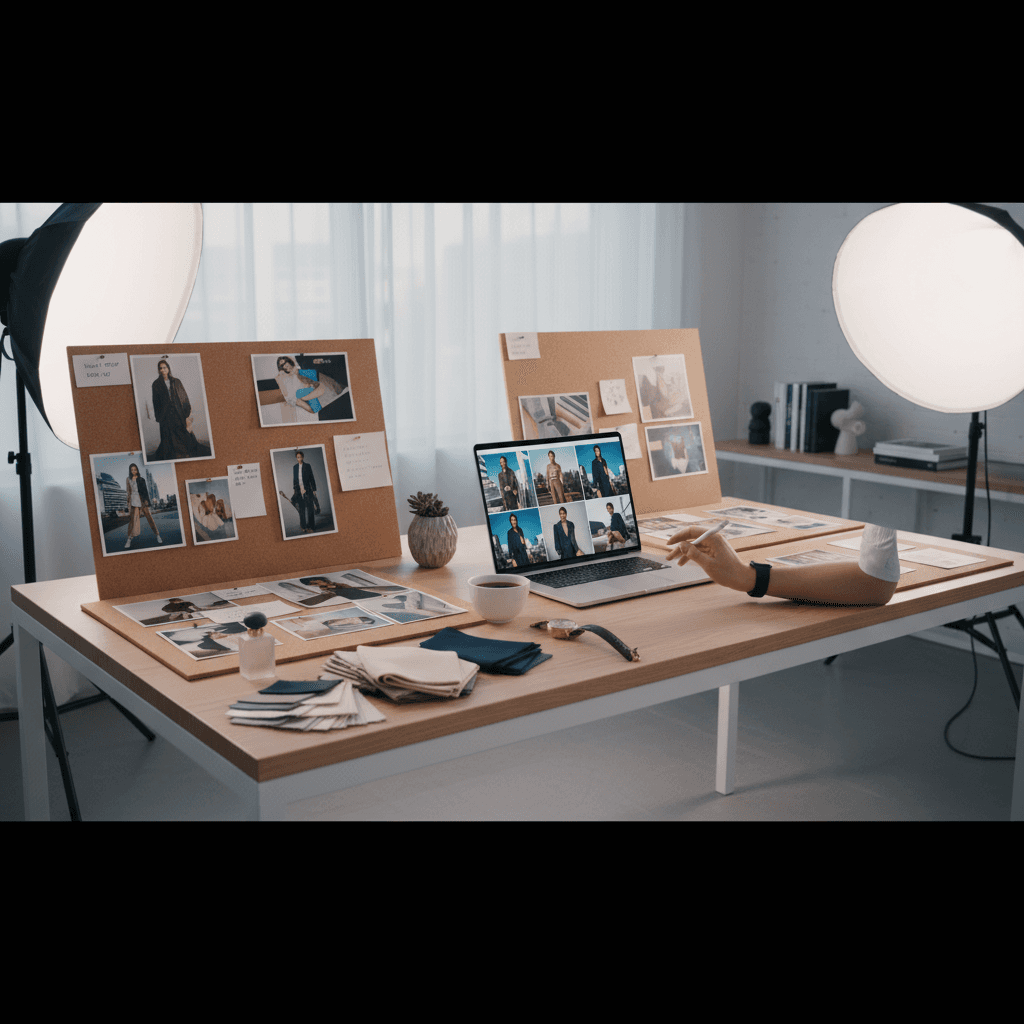
In the rush to ship holiday and year‑end campaigns, it's tempting to keep hammering away at generative tools until something "good enough" appears. But the best results don't happen by accident. They come from an AI imagery workflow—a deliberate, repeatable production process that treats AI like a studio, not a slot machine.
In our AI & Technology series, we focus on tools that raise your Productivity at Work. For marketers, creators, and founders, a solid AI imagery workflow means faster production, lower costs, and consistent brand quality across every channel—web, social, ads, and even short-form video.
This guide breaks down a six-part system for planning AI visuals like real photo shoots, building prompts that scale, keeping your brand identity intact, and measuring ROI so you can prove impact in Q4 and beyond.
Why AI imagery needs a production plan
Traditional shoots hinge on pre‑production: creative brief, casting, styling, lighting, set design. AI is no different. Without a plan, you get one-off wins and a lot of misses—style drift, inconsistent faces, off‑brand colors, and products that look "almost right" but not quite.
Treat AI image creation as creative operations:
- Define a concept and constraints before you touch a prompt.
- Use references to lock style, lighting, and composition.
- Standardize prompts, seeds, and settings to reproduce results.
- Review against a checklist—not just personal taste.
This shift is the difference between uncanny, cheap-looking outputs and assets that feel like high-end campaign work. And as we head through peak season in November, a reliable process can be the edge between hitting your deadlines and rolling out last‑minute filler.
The 6‑part AI imagery workflow
1) Strategy and creative brief
Start with purpose, not prompts.
- Objective: What business result should this visual drive—awareness, CTR, conversion, retention?
- Audience: Who are we speaking to, and what do they value right now?
- Message: What's the single idea the image must communicate?
- Channels: Where will it live (paid social, PDP, email, OOH)? Plan aspect ratios and safe areas.
- Seasonal angle: Tie to timely narratives (e.g., Black Friday bundles, gifting, winter textures).
Deliverable: a one-page brief that sets guardrails before production starts.
2) Brand system and references
Codify your visual DNA so the AI can "see" your brand:
- Style guide: color palette, finishes, typography influence, mood adjectives.
- Reference boards: 10–20 images that represent your lighting, composition, and storytelling.
- Face/product references: approved faces and hero product angles with clear detail.
Store these in a shared folder. The more consistent your inputs, the more consistent your outputs.
3) Asset and dataset prep
Give the model high‑quality building blocks:
- Clean product cutouts (transparent background) at high resolution.
- Logos and marks as crisp vector assets.
- Real textures and materials (fabric, metal, packaging) for authenticity.
- Optional: a small, curated set of your brand images for style conditioning or fine‑tuning.
Label assets clearly and version them. Garbage in, garbage out applies doubly with AI.
4) Model and control stack
Pick the right tools for the job and standardize your controls:
- Photoreal vs stylized: choose a base model matching your desired look.
- Conditioning: use image prompts, face references, or adapters to maintain identity.
- Pose and layout guidance: leverage pose/edge/depth controls to stabilize composition.
- Seeds and randomness: lock seeds for reproducibility; vary them intentionally for exploration.
Document your "control stack" so anyone on the team can recreate a look in minutes.
5) Prompt system and batch generation
Prompts are more than descriptions—they're systems. Build modular prompts with slots you can swap while preserving composition and style.
Core components to include:
- Role and subject: who/what is in frame
- Scene and composition: environment, camera angle, framing
- Lighting and lens: mood, quality of light, focal length
- Styling: wardrobe, props, textures
- Post-processing: film stock, grain, color grading cues
- Negative prompts: what to avoid (artifacts, extra fingers, off‑brand elements)
Batching tips:
- Create 3–5 prompt variations per scene to A/B different narratives.
- Maintain a "continuity set" of fixed parameters (seed, lens, lighting) across the campaign.
- Generate in series (Scene 1, Scene 2, Scene 3) rather than one‑offs.
Example prompt blueprint:
[BrandStyle] portrait of [Subject] featuring [Product] in [Scene],
[CameraAngle] composition, [Lighting] lighting, [Lens] lens,
[Wardrobe/Props], color palette [BrandColors],
post-process [GradeLook]; avoid [Negatives]
Populate the slots from your brief and brand system to produce on‑brand sets at scale.
6) QA, delivery, and asset management
Review each output against a rubric—not personal preference:
- Brand accuracy: colors, logos, and finishes are correct.
- Identity consistency: faces match approved references; expressions make sense for the message.
- Product integrity: no warped labels, extra seams, or impossible reflections.
- Compliance and ethics: licensed faces, appropriate claims, and safe contexts.
Once approved, export with standardized filenames and metadata (campaign, scene, seed, version) and store in your DAM so you can trace and reproduce winners later.
Prompts that scale: build reusable systems
Most teams waste time rewriting prompts from scratch. Instead, create a prompt library organized by use case: product laydowns, lifestyle portraits, UGC‑style testimonials, packaging macros, and seasonal scenes.
- Create "scene packs": pre‑approved compositions (e.g., flat lay on marble, 3/4 hero on seamless, holiday mantel vignette) with swap‑in slots for product and copy.
- Maintain a "style capsule": a handful of repeatable lighting and grading looks you reuse across campaigns.
- Keep a continuity sheet: seed values, lens settings, and control weights for each scene so you can regenerate assets later.
For a beauty brand, a pack might include: studio portrait with soft key light, bathroom vanity lifestyle, product macro with water droplets, and giftable flat lay with ribbons. For a B2B company, think: founder headshot series, product UI on device mockups, office lifestyle scenes, and abstract brand textures.
Ensuring brand consistency across images and video
As text‑to‑video and image‑to‑video tools have matured through 2025, it's now realistic to carry the same look across stills and motion.
- Storyboard first: plan 3–10 second beats that mirror your still scenes.
- Reuse the style stack: keep the same color palette, lighting cues, and grade across formats.
- Anchor with references: use the same face and product reference frames to guide motion.
- Control movement: use pose/motion guidance to avoid uncanny warping of hands, faces, or packaging.
For faces and talent, use approved references and consented likenesses. The goal is continuity and respect—your audience will recognize authenticity even in AI‑assisted scenes.
Measure quality and ROI like a production team
Creative that "looks good" is only half the equation. Measure impact to refine your AI workflow over time.
Production KPIs:
- Cost per asset vs. traditional production
- Turnaround time from brief to approval
- Reuse rate of assets across channels
Performance KPIs:
- CTR and CPA deltas for ads using AI visuals
- PDP conversion and add‑to‑cart lifts for refreshed imagery
- Engagement rate and watch time on AI‑assisted video
Create a QA rubric with weights so feedback is objective:
- Brand fit (30%): palette, typography influence, tone
- Product fidelity (25%): accurate details, no artifacts
- Narrative clarity (25%): does the image communicate the brief?
- Technical quality (20%): lighting, focus, composition, noise
Run quarterly reviews. Archive settings for the top performers so you can reproduce success during peak periods like Black Friday and year‑end pushes.
Quick-start checklist
- Draft a one-page brief with objective, audience, message, channels, and seasonal angle.
- Assemble a brand reference board and continuity sheet (seeds, lenses, grades).
- Prepare clean product cutouts, logos, and textures.
- Standardize your control stack and prompt blueprint.
- Batch generate by scene; maintain continuity across a set.
- QA with a rubric; archive settings and assets in your DAM.
Conclusion: When you replace guesswork with an AI imagery workflow, you get predictability—the same quality you expect from a professional photo shoot, now at the speed of modern Technology. That's how AI elevates your Work: by boosting Productivity without sacrificing brand integrity.
If you'd like a copy of the one‑page brief and prompt blueprint described here, request our AI Imagery Workflow Checklist. What campaign could you re‑shoot with AI next month if you knew you could hit the look on the first pass?