Gemini AI in Google Maps is turning holiday travel into a smarter, more productive experience with insider tips, social lists, EV tools, and privacy controls.
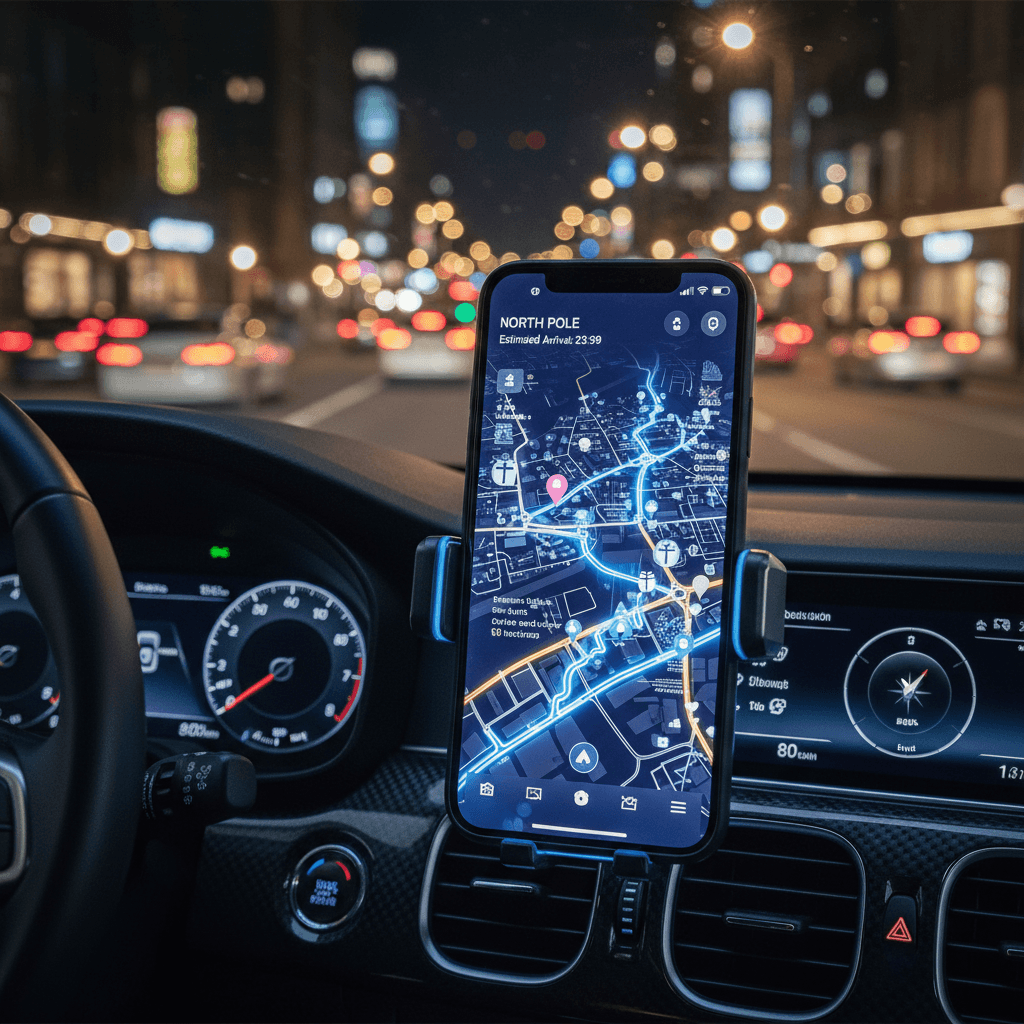
How Gemini in Google Maps Will Change Holiday Travel
As we head into the peak holiday rush, most professionals are juggling two things at once: wrapping up work and planning travel. Delayed flights, packed roads, and unreliable EV chargers can turn what should be a break into a logistics headache. This year, there's a new player stepping in to help: Gemini, Google's AI, now woven directly into Google Maps.
This isn't just a shiny new feature for tech fans. It's a real example of how AI and technology are quietly transforming everyday decisions—where to go, how to get there, and how to make the most of our limited time. For anyone focused on work and productivity, smarter navigation means fewer surprises, less stress, and more energy left for what actually matters.
In this post, part of our AI & Technology series, we'll break down what Gemini brings to Google Maps—AI-powered insider tips, social recommendations, new privacy tools, and EV charging insights—and how you can use them to travel smarter, not harder, this holiday season and beyond.
1. What Gemini in Google Maps Actually Does
Gemini is Google's latest generation AI model, and its arrival in Google Maps signals a shift from simple navigation to context-aware, predictive guidance.
Instead of just answering "How do I get from A to B?", Gemini in Maps is moving toward questions like:
- "What's the best route for me at this time of day?"
- "Where should I stop that fits my budget, preferences, and schedule?"
- "Is this EV charger likely to be busy when I arrive?"
From static directions to dynamic decisions
Historically, Maps offered directions, estimated arrival times, and basic suggestions along your route. With Gemini:
- Results are increasingly personalized based on your history and context
- The app can surface AI-powered tips about neighborhoods, restaurants, or attractions
- You get more predictive guidance, not just real-time updates
For professionals on the move—sales reps, consultants, digital nomads, founders—this extra layer of intelligence can translate directly into time saved and better decision-making.
2. AI-Powered Insider Tips: Local Knowledge on Demand
One of the most interesting additions is AI-generated insider tips baked right into the map experience. Instead of scrolling through endless reviews, Gemini can synthesize what matters.
How AI insider tips help you in real life
Imagine you've just landed in a new city for a client meeting:
- You open Maps and search for a lunch spot near the office
- Instead of just star ratings, you see AI summaries: "Great for quick lunches, quieter after 1:30 p.m., limited vegetarian options"
- You immediately know which place fits your time constraints and work style (quiet corner vs. busy hotspot)
For remote workers or frequent travelers, this can turn wasted decision time into focused prep time for meetings or creative work.
Use cases for better productivity
You can lean on AI insider tips to:
- Choose quiet cafés for focused deep work between appointments
- Find reliably fast-service spots when you have a tight schedule
- Identify family-friendly or team-friendly locations during offsites
- Decide quickly if an area is worth exploring or best skipped
Every micro-decision you offload to AI is a small gain in mental bandwidth—exactly what "work smarter, not harder" looks like in practice.
3. Social Lists and Recommendations: Turning Friends into a Data Source
Another important change is the tighter integration of social recommendations and lists in Maps. This leans into a simple truth: we trust people we know more than we trust star ratings.
From random reviews to curated lists
Gemini and Maps can highlight:
- Places your friends have saved or reviewed
- Curated lists (e.g., "Best coffee for working in downtown," "Weekend brunch spots with Wi‑Fi")
- Popular routes or areas based on social activity
For your work and productivity life, that means:
- You can follow colleagues' or creators' city lists when you travel for conferences
- You can build your own "work-friendly" list of venues and reuse it across trips
- You reduce the guesswork when landing somewhere new with limited time
How to turn social lists into a productivity asset
To make this feature work for you:
- Create themed lists in Maps
- "Focus Work Cafés – Quiet + Outlets"
- "Client-Ready Lunch Spots"
- "EV-Friendly Stops for Road Trips"
- Share lists with your team so everyone benefits from collective experience
- Update lists as you travel; over time, your Maps becomes a tailored productivity toolkit
This transforms Maps from a one-off navigation app into a reusable, personal operations system for your travel.
4. EV Tools and Charger Predictions: Smarter for Electric Drivers
For EV drivers, the wrong charging stop can derail your schedule. Long queues, broken chargers, or slow speeds don't just ruin a road trip—they affect your ability to arrive prepared for work.
Gemini-powered EV tools and charger predictions in Maps aim to reduce that uncertainty.
What AI brings to EV routing
With AI, Maps can increasingly:
- Predict charger availability when you're likely to arrive
- Surface reliability patterns (for example, connectors that frequently fail)
- Suggest optimal charging stops based on your battery, route, and timing
Instead of planning around the nearest charger, you plan around the best charger for your schedule.
Productivity benefits for professionals on the road
For entrepreneurs, field teams, or anyone who drives long distances for work:
- You can schedule calls or laptop work around predictable charging windows
- You avoid extended, unplanned waits at overloaded stations
- You reduce range anxiety, freeing up cognitive space for actual work
Combined with insider tips and social lists, your EV stops can become high-productivity breaks: reliable chargers near quiet cafés, co-working spaces, or safe rest areas.
5. Reviewer Privacy and Data: Balancing Insight and Safety
Gemini's intelligence relies on data—lots of it. That makes reviewer privacy tools an important part of the update.
While details will evolve, the direction is clear: giving users more control over how their contributions (reviews, photos, lists) are surfaced, while still allowing AI to learn from aggregate patterns.
Why privacy matters for working professionals
If you:
- Review locations you regularly visit for work
- Share photos of meeting spots or offices
- Maintain public lists of your favorite work cafés
…you might not want that information to make your schedule or habits too predictable.
Enhanced privacy tools can help you:
- Keep some lists private or shared only with teams
- Limit personally identifiable details in public contributions
- Still benefit from AI insights without overexposing your routines
For organizations, this is another reminder that AI and technology productivity gains must be balanced with digital hygiene and thoughtful sharing.
6. Practical Ways to Use Gemini in Maps to Work Smarter
To turn Gemini in Google Maps from a novelty into a productivity advantage, focus on a few practical habits.
1. Design your "travel operating system" in Maps
Before your next trip:
- Create or refine lists for work-friendly spots
- Save reliable EV chargers you've used
- Add notes to places about Wi‑Fi quality, noise level, and power outlets
Over time, your Maps becomes a personalized playbook for productive travel.
2. Let AI handle the first draft of decisions
Instead of researching every option manually:
- Use AI summaries and insider tips to get a quick shortlist
- Scan for key phrases that match your needs: "quiet," "fast service," "good for groups"
- From that shortlist, do a quick human check on just a few candidates
This aligns with a core principle of modern AI at work: let the machine do the heavy lifting, then apply your judgment to the final 10–20%.
3. Build repeatable travel routines
When you find a setup that works—a charger + café + walking route—save it.
- Turn recurring routes into patterns: same type of stops, similar timing
- Use previous trips as templates for new ones
- Encourage your team to use and refine the same lists and workflows
The goal is to turn one-off good decisions into systems that keep saving you time and attention.
7. What This Signals About the Future of AI and Everyday Work
Gemini's arrival in Google Maps is part of a broader shift we're exploring throughout this AI & Technology series: AI moving out of dedicated "productivity tools" and into the everyday apps we already rely on.
It shows where we're heading:
- Navigation becomes contextual planning
- Reviews become summarized insight
- Static maps become adaptive, AI-guided experiences
For knowledge workers, entrepreneurs, and creators, the question is no longer "Should I use AI?" but rather "Where is AI already influencing my decisions, and how can I use that intentionally to improve my productivity?"
As Gemini gets smarter in Maps, your daily choices—routes, stops, timing—can align more closely with your energy, priorities, and work demands. The holiday travel season is just the testing ground; the real opportunity is building habits now that will carry into 2026 and beyond.
Conclusion: Turn Every Trip into a Smarter Workflow
Gemini in Google Maps isn't just about avoiding traffic this holiday season. It's about a new layer of AI-powered intelligence that helps you:
- Make faster, better decisions on the go
- Turn travel time into productive time
- Rely on curated social insight without sacrificing privacy
- Plan smarter EV journeys with fewer surprises
As part of your broader AI and technology strategy at work, consider Maps one more tool in your productivity stack—not just for getting places, but for protecting your time, attention, and energy.
Next time you open Google Maps, don't just ask it for directions. Ask: How can I use this AI to design a better day? The people and businesses who learn to do that consistently will be the ones who truly work smarter, not harder.