Stop feeding your AI stale data. Build a no-code RAG pipeline in n8n that syncs Google Drive and Supabase with CUD, metadata, and a smart router.
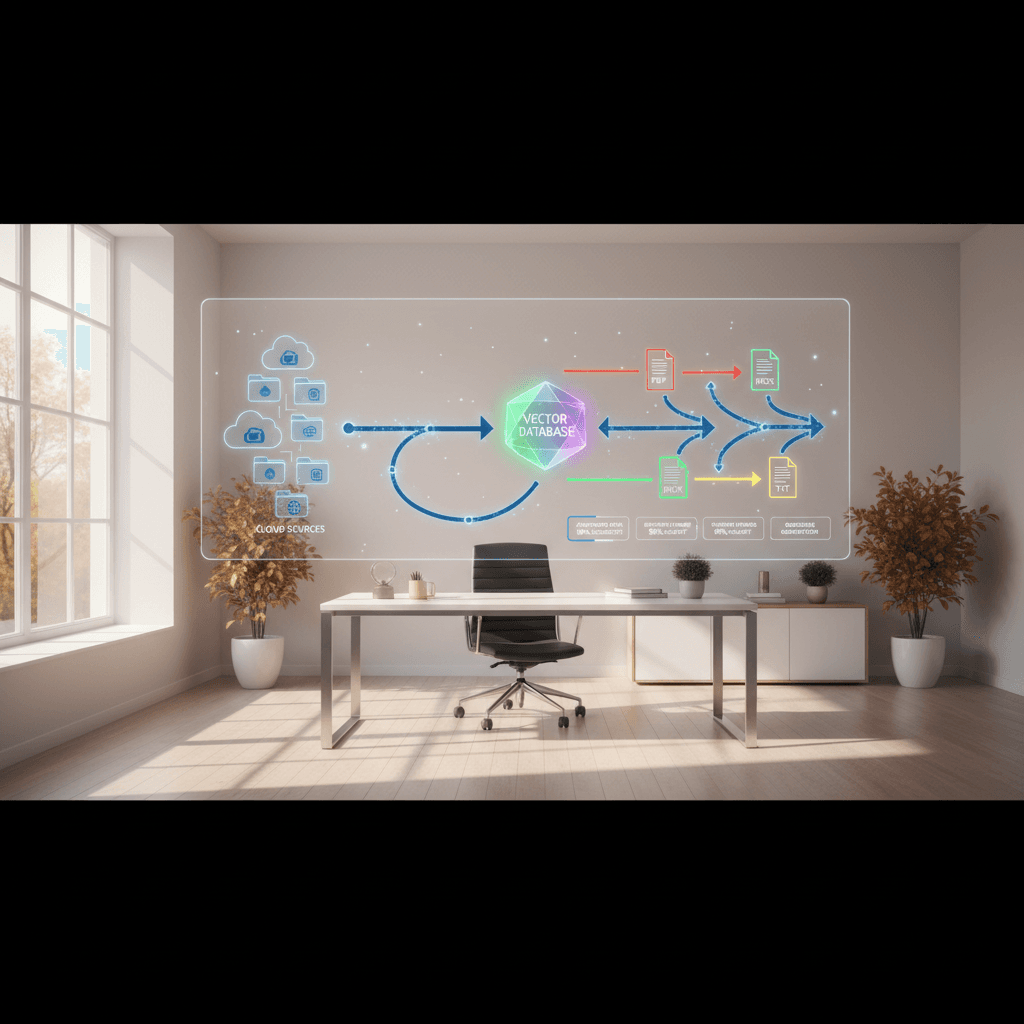
Your Retrieval-Augmented Generation (RAG) agent is only as good as the data pipeline that feeds it. If your knowledge base lags behind reality, the model's confidence is a liability. As teams wrap up 2025 planning and race into peak holiday cycles, a production-ready RAG pipeline in n8n can ensure your AI agents reflect the latest truth—without burning engineering time.
In this guide, you'll build a no-code/low-code RAG pipeline that continuously syncs documents from Google Drive to a Supabase vector database. You'll learn the C.U.D. framework (Create, Update, Delete), how to handle deletions when triggers fall short, why metadata is the non-negotiable backbone, and how to route different file types automatically with a Smart Router.
By the end, you'll have a blueprint you can deploy this week: repeatable, observable, and cost-aware.
Why Most RAG Agents Fail in Production
RAG isn't just a chat UI plus embeddings; it's a living data system. The most common failure modes are predictable—and fixable:
- Stale sources: Files change; your vectors don't. Answers drift out of date.
- Delete blind spots: Content gets removed in Drive, but it still shows up in retrieval.
- Weak metadata: Without robust identifiers, updates and deletes become guesswork.
- Brittle parsers: PDFs, DOCX, and TXT need different handling to preserve structure and context.
- No observability: You can't improve what you can't see—no counts, no alerts, no SLOs.
The cure is a pipeline that mirrors your source of truth with precision and runs on a schedule you trust.
The C.U.D. Framework: Create, Update, Delete
A production-ready RAG pipeline maintains a perfect mirror of your source by enforcing three independent flows. Treat them as separate pipelines you can test, scale, and monitor.
Create: ingest new files fast
- Discovery: Poll Google Drive for files modified since the last run.
- Extract: Convert PDFs, DOCX, and TXT into clean text while preserving structure (headings, page breaks).
- Chunk: Split into retrieval-ready segments (e.g., 500–1,000 tokens) with overlap for context.
- Embed: Batch embeddings to control cost and throughput.
- Persist: Upsert into Supabase's vector store with rich metadata.
Update: reflect changes without duplication
- Detect changes via hashes: Compare a
content_hash(and/or Drivemd5Checksumorrevision_id) to what you last indexed. - Idempotent upserts: Replace or version chunks when the hash changes; preserve stable
chunk_idsemantics where possible. - Track
schema_versionto migrate older chunks without downtime.
Delete: the "digital recycling bin"
Google Drive triggers are great at "something changed," but deletions are tricky. Implement a deletion detector:
- Snapshot: Maintain a registry of known
file_ids andlast_seen_at. - Diff: If a file disappears from a fresh Drive listing, mark its chunks
is_deleted = trueand setdeleted_at. - Graceful purge: Physically remove vectors after a retention window (e.g., 7–30 days) to allow recovery and audit.
This "digital recycling bin" prevents ghost documents from contaminating retrieval.
Step-by-Step: Build the n8n RAG Pipeline with Google Drive and Supabase
Here's a practical path to ship your pipeline this week.
1) Set up triggers and state
- Scheduler: Use an
IntervalorCrontrigger in n8n (e.g., every 15 min during business hours, hourly otherwise). - Drive listing: Use
Google Driveto list files filtered bymodifiedTime > last_run. For enterprise folders, paginate. - State store: Persist
last_run, and maintain adocumentsregistry in Supabase:file_id,path,revision_id,md5Checksum,content_hash,last_seen_at,status.
2) Smart Router for multiple file types
Different files need different extraction paths. Build a Smart Router with a Switch (or IF) node using mimeType:
- PDFs → robust PDF-to-text parser; capture page numbers.
- DOCX → docx reader preserving headings and lists.
- TXT/MD → direct text loader; maintain relative paths for context.
Include fallback/error branches to quarantine unreadable files.
3) Normalize, chunk, and enrich
- Clean text: Remove boilerplate, footers, and duplicate headers.
- Chunking: Aim for 500–1,000 tokens with 10–20% overlap. Preserve page-level anchors where possible.
- Metadata enrichment: For every chunk, attach the "digital dog tag" (see next section) including
file_id,chunk_index,content_hash, andschema_version.
4) Embed with cost controls
- Batch size: Group chunks (e.g., 64–256) per embeddings request to balance latency vs. throughput.
- Backoff: Add a
Rate Limitor retry/backoff node for API stability. - Idempotency: Use a unique key per chunk (
file_id + chunk_index + content_hash) to avoid duplicate vectors.
5) Write to Supabase (vector database)
Use Supabase's vector capabilities (backed by pgvector) to upsert:
documentstable: one row per source file with lifecycle fields.chunkstable: chunk text,chunk_index, and metadata.embeddingstable:chunk_idforeign key and vector column.
In many setups, you'll store text+embedding in the same table with a vector column and a JSONB metadata column. Pick the simplest structure your team can operate.
6) Update and delete workflows
- Update: On content hash change, soft-replace affected chunks. Mark previous chunks as superseded.
- Delete: Compare the Drive snapshot against your
documentsregistry; mark missing files asis_deleted. Schedule a purge workflow that removes embeddings beyond your retention policy.
7) Retrieval side (for completeness)
- Filter: Exclude
is_deleted = trueand superseded chunks. - Metadata-aware search: Constrain by
folder,owner,doc_type, orschema_versionwhen relevant. - Re-ranking: Use a lightweight re-ranker for top-10 candidates to boost relevance.
Metadata Is Your Digital Dog Tag
Metadata is the non-negotiable key to managing, updating, and deleting vectors at scale. Treat it like a dog tag that lets any chunk report who it is, where it came from, and how to replace it.
Recommended fields:
- Identifiers:
file_id,drive_path,owner,source_system - Versioning:
revision_id,md5Checksum,content_hash,schema_version - Structure:
chunk_index,page_number,section_heading - Lifecycle:
created_at,updated_at,is_deleted,deleted_at,last_seen_at - Access:
security_label,team,confidentiality
With these fields, your pipelines become deterministic:
- Updates target the exact chunks to replace.
- Deletes remove only what's obsolete.
- Retrieval filters keep private docs private.
If you can't answer "what produced this chunk?" within seconds, you don't have production metadata.
Scale, Monitor, and Control Costs
Production readiness isn't just correctness—it's economics and reliability.
Throughput and reliability
- Concurrency controls: Use n8n's
BatchandSplit In Batchesto smooth traffic. - Retry/backoff: Wrap external calls with exponential backoff and dead-letter queues for chronic failures.
- Idempotency: Always upsert with deterministic keys to avoid duplicates.
Quality and evaluation
- Golden set: Maintain a small set of Q&A pairs that reflect business-critical facts; monitor answer accuracy weekly.
- Drift checks: Alert when the number of changed or deleted files spikes beyond normal variance.
- Human-in-the-loop: Route low-confidence answers for review and enrich documents accordingly.
Cost controls
- Selective embedding: Only re-embed on content hash change; skip "cosmetic" metadata edits.
- Right-size chunks: Too small = expensive and noisy; too big = recall drops. Tune by measuring retrieval hit-rate.
- Cold archives: Exclude stale or low-value folders from the index; add on-demand indexing if needed.
Governance and safety
- PII guardrails: Redact sensitive fields during extraction or mark with
security_labelfor restricted retrieval. - Access control: Enforce per-team or per-folder filters at query time using metadata.
- Auditability: Log every create/update/delete with actor, time, and reason.
As budgets finalize for 2026, this discipline turns RAG from a demo into dependable infrastructure that supports marketing campaigns, support teams, and knowledge operations at scale.
Putting It All Together: Your Launch Checklist
Use this condensed checklist to move from prototype to production:
- Define your Drive scope and exclusion rules (archives, drafts).
- Stand up Supabase tables:
documents,chunks(with vector), and lifecycle fields. - Implement C.U.D. as three separate n8n workflows with shared utilities.
- Add a Smart Router for PDFs, DOCX, TXT with error quarantine.
- Compute and persist
content_hash; upsert byfile_id + chunk_index + content_hash. - Build the digital recycling bin: mark, retain, then purge.
- Add dashboards: new/updated/deleted counts, error rate, embedding cost.
- Run a backfill; then flip to scheduled sync.
- Validate retrieval with a golden set; iterate chunk size and filters.
- Document runbooks for on-call and quarterly maintenance.
Conclusion: A RAG agent is only as credible as its pipeline. With n8n, Google Drive, and Supabase, you can build a production-ready RAG pipeline that creates, updates, and safely deletes vectors with confidence. Start with C.U.D., tag every chunk with battle-tested metadata, and scale with smart routing and cost controls. When your data changes tomorrow morning, your AI should know by lunchtime.
Ready to implement? Request the n8n workflow template, join the community for deep-dive tutorials, and subscribe for daily pipeline patterns you can deploy right away.