Discover 10+ powerful AI video workflows using Google's Nano Banana to create consistent characters, Hollywood-style scenes, and high-converting marketing content.
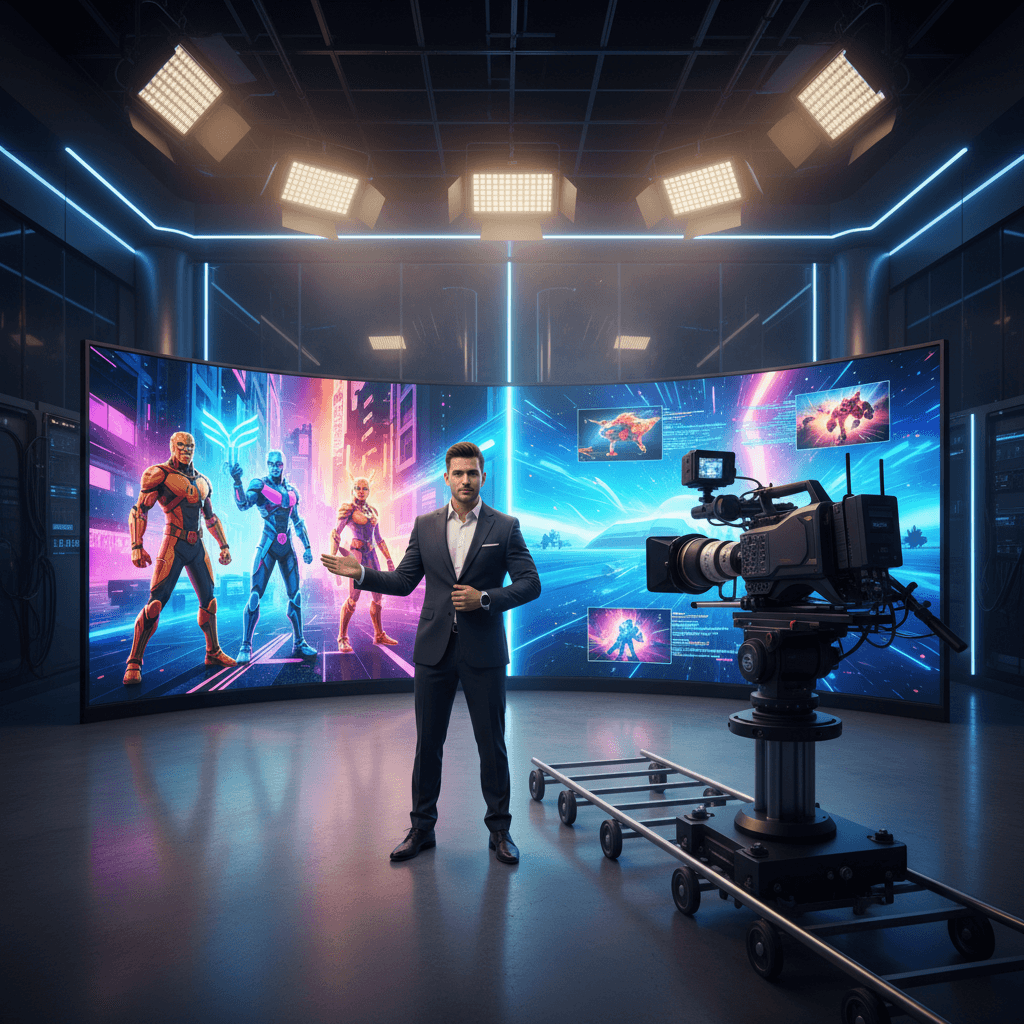
10+ AI Video Use Cases With Google's Nano Banana
AI images got all the hype in 2024, but as we head into 2025 the real action is moving to AI video creation. Tools like Google's Nano Banana are no longer just fun image editors—they're becoming the backbone of Hollywood-style content that solo creators and lean marketing teams can actually produce.
If you're in marketing, content, or product, this shift matters right now. Short‑form video dominates social feeds, ad costs are rising, and audiences are numb to stock footage and generic UGC. Being able to generate consistent characters, cinematic scenes, and smart product shots on demand is a serious competitive edge.
In this guide, we'll break down 10+ practical AI video use cases unlocked by combining Google's Nano Banana with AI video tools like Runway, Kling, and others. You'll see how brands are using them for:
- Consistent character storytelling
- Product demos and placements
- Educational and explainer content
- Entertaining social series and UGC-style videos
And, critically, how to move from hype to repeatable workflows your team can plug into your content calendar right away.
1. Consistent Character Creation: The Holy Grail of AI Video
One of the biggest problems with generative video until now has been character drift. You might get a great character in one shot, only for their face, outfit, or style to mutate completely in the next.
Nano Banana's strength in image consistency changes that.
How it works in practice
-
Design your hero character in Nano Banana
- Define age, gender, style, and vibe (e.g., "late‑20s urban marketer with streetwear style").
- Generate a variety of reference poses and expressions: close‑ups, mid‑shots, full body.
-
Turn images into video-ready assets
- Feed these reference images into AI video tools that support image‑to‑video or reference‑based generation.
- Lock in facial features, clothing, and color palette so the character looks the same across scenes.
-
Build episodic content
- Use the same character in:
- A weekly TikTok or Reels series
- Evergreen brand explainers
- Seasonal campaigns (Black Friday, New Year launches, etc.)
- Use the same character in:
Marketing applications
- Brand mascots that actually evolve over time instead of being static logos.
- Virtual influencers for niche communities, without the cost or risk of human creators.
- Customer avatars that represent segments in case studies and product stories.
Action step: Define one core brand character, generate 10–15 Nano Banana stills, then test a 3‑episode vertical video series featuring that same character across different scenarios.
2. Real Footage Integration: AI VFX on a Startup Budget
Hollywood-level compositing used to require huge budgets and VFX teams. Today, a marketer with a smartphone, Nano Banana, and a tool like Runway can fake on‑location or sci‑fi scenes in an afternoon.
Basic real-footage workflow
-
Shoot simple live-action video
- Use your office, a park, or a neutral background.
- Keep camera movements steady and lighting soft.
-
Design AI elements in Nano Banana
- Create monsters, robots, futuristic interfaces, or stylized props.
- Export them as clean PNGs or base frames.
-
Composite with AI video tools
- Use green screen, masking, or "object insertion" features.
- Align lighting and color grade so the AI elements feel part of the same world.
Use cases for brands
- Spectacle ads: A SaaS dashboard appears as a floating hologram in a busy city street.
- Event promos: A conference teaser where the venue slowly transforms into a futuristic hub.
- Product storytelling: A fitness brand showing an AI "energy aura" around people as they train.
This is VFX not as a gimmick, but as a way to visualize abstract benefits—security, intelligence, speed, creativity—without a massive production.
3. Performance Capture: Human Emotion, AI Worlds
Nano Banana shines at consistent visuals, while tools like Runway enable performance capture—mapping a real actor's motion and expression onto a stylized character.
Turning a founder into an AI avatar
-
Record talking-head video
- Founder or subject speaks clearly to camera.
- Use good audio; video can be shot on a decent phone.
-
Create a Nano Banana character
- Decide the visual style: semi‑realistic, anime, Pixar‑like, or painterly.
- Generate multiple angles of that character.
-
Apply performance capture
- Map the real performance onto the Nano Banana character.
- Output: a believable AI avatar that moves and emotes like the real person.
Why this matters for marketing
- Camera-shy teams can still "show up" on video through an avatar.
- Localization: Use the same avatar with dubbed or AI-translated audio for multiple languages.
- Brand differentiation: Your thought leadership content now looks unmistakably "yours," not like every other Zoom recording.
Use this for:
- Weekly LinkedIn explainers
- Founder letters in video format
- Product update announcements
4. Bringing Art and Memes to Life: Thumb-Stopping Social Content
Static memes and paintings already drive huge engagement. With Nano Banana and AI video tools, you can animate cultural artifacts into scroll‑stopping micro‑stories.
Famous paintings, reimagined
- Use Nano Banana to re‑create iconic paintings in a stylized, brand‑aligned way.
- Animate subtle movements: eyes glancing, background shifting, characters stepping out of the frame.
Content ideas:
- "What if our customer success story was a Renaissance painting that came to life?"
- "2025 marketing summarized as a moving impressionist scene."
Turning memes into micro‑movies
Take the classic "distracted boyfriend" meme:
- Rebuild the scene in Nano Banana with on‑brand characters.
- Use AI video to animate a full 5–10 second scene.
- Replace text labels with a simple voiceover or on‑screen titles.
This format is perfect for:
- Explaining complex trade‑offs in a funny way.
- Poking fun at your industry's bad habits.
- Showing "before vs. after" when switching to your product.
The key is to pair high recognizability (memes, famous art) with fresh motion, so your content hits both curiosity and familiarity.
5. Pet Adventures and Character-Driven Storytelling
People trust people—and they also trust pets. Turning a real pet into a recurring AI character is a low‑friction way to build emotional connection.
Building a "Pet Adventure" series
- Capture reference photos of a team member's dog or cat.
- Use Nano Banana to create stylized versions of that pet: superhero, space explorer, detective, etc.
- Generate short AI videos of the pet character on mini adventures related to your brand:
- A dog "testing" different product features.
- A cat "judging" bad workflows versus your solution.
- A holiday special where your pet hero saves the campaign.
Why this works
- Character‑driven narratives are more bingeable than random one‑off posts.
- Pets lower the perceived "salesiness" of promotional content.
- You can spin off multiple assets from each storyline: shorts, GIFs, thumbnails, and stills.
Tie these to seasonal moments—Black Friday, New Year planning, back‑to‑school—to keep your brand visible in peak attention windows.
6. Product Placement Perfection: High-Impact Visual Selling
Traditional product videos are expensive and inflexible: reshoots, set design, and logistics add up quickly. With Nano Banana and AI video editing, digital product placement is becoming standard.
Two core approaches
-
AI-created hero scenes
- Build full scenes in Nano Banana: kitchen counters, office desks, studio sets.
- Insert your product (or a stylized version of it) as the focal point.
- Use AI video tools to add camera movement, reflections, and lighting changes.
-
Augment real footage
- Film simple "handheld" clips: someone walking, working, or commuting.
- Use AI tools to insert your product into backgrounds, screens, or props.
- Nano Banana ensures consistent product appearance across all shots.
Strategic uses
- A/B test visual narratives: Same script, different product contexts (home vs. office vs. travel).
- Hyper-personalized ads: Swap environments or product variants for different audience segments.
- Rapid iteration: Update colors, packaging, or UI in post without re‑shooting.
The result is cinematic product storytelling that's feasible for small teams and fast-moving campaigns.
7. Motion Graphics Revolution for Learning and Enablement
Education is one of the most underrated AI video use cases. Whether you're doing B2B onboarding or consumer how‑tos, Nano Banana plus generative video lets you turn dry slides into motion graphics that people actually watch.
From static slides to dynamic explainers
- Identify 3–5 core concepts you want to teach.
- Use Nano Banana to design icon sets, diagrams, and characters that reflect your brand style.
- Animate them with AI video tools:
- Flow diagrams turning into animated journeys.
- Static UI screens morphing as features are explained.
- Characters walking through each step of a process.
Where this drives ROI
- Customer onboarding: Reduce support tickets with engaging explainers.
- Sales enablement: Give reps short, punchy videos instead of PDF decks.
- Internal training: Turn policy or process docs into visual stories.
Because the base assets live in Nano Banana, you can update and re‑render as your product, pricing, or messaging evolves—without re‑animating everything from scratch.
8. Prompt Engineering for Reliable Nano Banana Workflows
All of these use cases depend on predictability. The difference between a one‑off cool AI clip and a scalable video engine is solid prompt engineering.
Principles for consistent outputs
-
Lock in your style guide
- Standardize terms: "soft cinematic lighting," "35mm film look," or "flat, pastel illustration."
- Document these phrases for anyone on your team using Nano Banana.
-
Define your character schema
- For each core character, specify: age, hairstyle, clothing, color palette, personality traits.
- Reuse that schema across prompts and scenes.
-
Control variability
- Save successful prompts as templates.
- Change only 1–2 elements at a time (location, emotion, time of day) so you don't lose consistency.
Example prompt pattern
"Full-body shot of [character name], a [age]-year-old [role] wearing [outfit], in a [environment description], with [lighting], in [visual style]. High detail, consistent with previous images."
Pairing disciplined prompting in Nano Banana with smart settings in your video tools is what turns experiments into a repeatable production pipeline.
9. Building an AI Video System, Not Just One-Off Clips
If your goal is leads—not just views—you need more than cool videos. You need a system:
-
Map videos to your funnel
- Top of funnel: memes, pet adventures, cinematic hooks.
- Middle: product placements, mini case studies, explainers.
- Bottom: founder avatar videos, personalized demos, objection handling.
-
Standardize your tool stack
- Nano Banana for characters, scenes, and image consistency.
- One primary AI video editor (Runway, Kling, etc.) for motion and compositing.
- A clear file structure for assets, prompts, and exports.
-
Measure what matters
- Hook rate (3-second views), watch time, and click‑through.
- Which characters and formats drive the most conversions or replies.
Over time, you'll know precisely which AI video formats move the needle for your brand—and Nano Banana becomes the core of that visual identity.
Conclusion: Nano Banana as Your Visual Growth Engine
Google's Nano Banana is much more than an image toy. Combined with modern AI video tools, it's emerging as a visual engine for:
- Consistent AI characters and avatars
- Cinematic product and brand stories
- High-impact educational and explainer content
- Scroll‑stopping memes, art animations, and pet adventures
The marketing teams who win in 2025 won't just be "using AI"—they'll be running repeatable AI video workflows that turn concepts into content in hours, not weeks.
Choose one of the use cases above—consistent characters, product placement, or motion graphics—and build a small, testable series this month. Then refine your prompts, iterate your visuals, and expand.
The question is no longer "Can AI make video?" It's "How quickly can you turn Nano Banana and AI video tools into a reliable content engine for your brand?"