Google's November Pixel Drop brings practical AI to your pocket. From chat summaries to photo remixes and safety tools, see how to turn features into workflow wins.
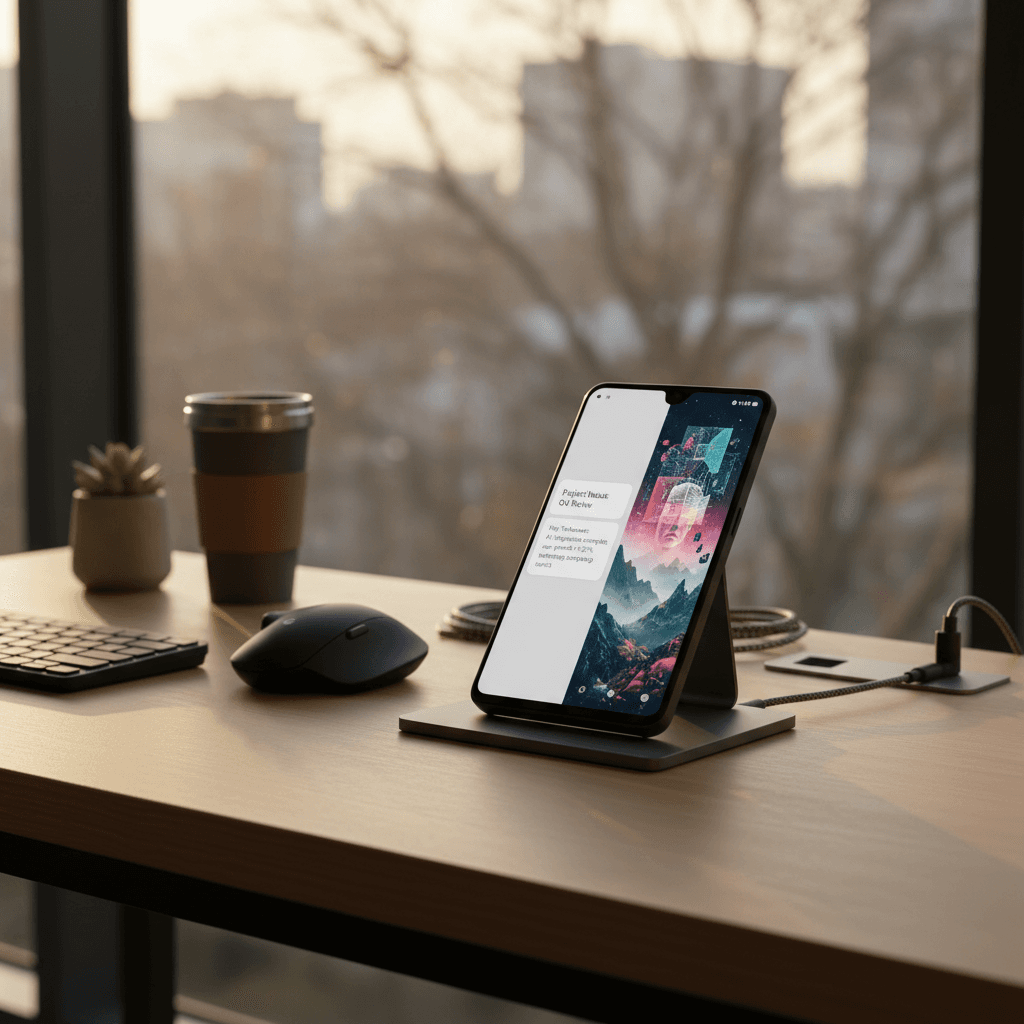
As the year sprints toward holiday deadlines and travel, the latest November Pixel Drop lands with something professionals actually need: Google Pixel AI features that clear the clutter and keep your day moving. This update blends playful creativity with practical automations—summarizing long chats, remixing photos directly in Messages, and introducing smarter safety tools you'll appreciate in the dark commute of late fall.
In our AI & Technology series, we focus on one promise: work smarter, not harder. Today, that means turning everyday phone interactions into time-savers. Below, we unpack what's new, why it matters for productivity, and how to translate these updates into real workflow wins—whether you're closing Q4, launching a campaign, or coordinating holiday schedules.
Work smarter, not harder: let your phone do the busywork.
Why the November Pixel Drop Matters for Work
Smartphones are now the frontline for modern work. The average professional toggles between messages, docs, and calls all day—often while on the move. Incremental improvements on your primary device compound into serious time savings by year's end.
The November Pixel Drop centers on three levers of productivity:
- Reducing information overload with AI-generated chat summaries
- Speeding collaboration through quick, creative storytelling in Messages
- Enhancing safety and focus during commutes and travel so you can work with confidence
Crucially, these updates meet you where you already operate—inside everyday conversations. You don't have to open a separate app, learn a new workflow, or build a complicated automation stack. The result is less friction and more flow.
New Google Pixel AI Features at a Glance
Chat summaries for long threads
Group chats are where projects live—and where details go to die. With chat summaries, your Pixel can condense sprawling message threads into a concise overview. Instead of scrolling for five minutes to find decisions and deadlines, you get the gist in seconds.
What this means for work:
- Faster catch-up after meetings or flights
- Clearer next steps when a conversation meanders
- Less context-switching when you're juggling multiple projects
Photo remixing in Messages
Visuals drive engagement, even at work. The new photo remixing in Messages lets you add creative flair—annotate, stylize, or combine images—without bouncing to another app.
What this means for work:
- Rapid mockups for social posts or client concepts
- Clearer feedback with marked-up images
- Lightweight team celebrations that boost morale and culture
"Wicked: For Good" themes
Seasonal themes add personality to your device. While this might seem purely cosmetic, small moments of delight can improve how you feel about your tools—especially during high-pressure weeks. A phone interface you enjoy using is one you'll use more effectively.
What this means for work:
- Gentle motivation during long sprints
- A shared cultural touchpoint for teams collaborating in busy seasons
Smarter safety tools
From late-night returns to early airport runs, smarter safety features add peace of mind. Whether you're commuting, traveling, or working odd hours, knowing help and alerts are closer at hand removes mental load.
What this means for work:
- Confidence to take calls or navigate while on the move
- Safer solo commutes after team events or client dinners
- More focus—because your phone helps watch your back
Note: Feature availability can vary by model and region. Check your device settings after updating.
Practical Workflows to Try Today
You don't need a full process overhaul. Start with small, high-leverage moves that use the new features to shave minutes off daily tasks.
Turn long chats into action in 90 seconds
- Open the busy group thread and generate a summary.
- Skim for decisions, dates, and blockers. Copy the key items.
- Paste into your task manager or notes using a simple format: "Decision, Owner, Due."
- Share the summary back to the group for alignment.
Pro tip: Add a final line—"If I missed anything, reply with 'add:' followed by the item." That prompt keeps the thread structured.
Speed creative reviews with photo remix
- Mark up a campaign image directly in Messages and circle the exact area you want changed.
- Add a short caption like "Option B: Reduce text by 20%."
- If you're aligning on mood or tone, remix a second image side-by-side and label it "Inspiration."
Pro tip: Keep message feedback to one objective per image. It reduces back-and-forth and helps the team respond faster.
De-risk late commutes and travel days
- Before a late meeting or solo commute, review safety settings so emergency features are easy to access.
- Share your ETA or location when appropriate, and silence non-essential notifications so you can stay situationally aware.
- Use chat summaries when you land from a flight to catch up without doom-scrolling your inbox.
Create a friction-free "morning ramp"
- On waking, scan chat summaries for overnight updates across clients or time zones.
- Use one photo remix to prep a quick visual for your morning stand-up (e.g., a chart snapshot with a highlight).
- Set a 15-minute block for synthesizing key threads into a single daily priorities list.
These micro-automations add up. Even a conservative 10 minutes saved per day returns nearly a full workweek each year—without changing tools.
Privacy, Safety, and Responsible Use
AI that accelerates your day should also protect it. Keep these guidelines in mind:
- Verify summaries before sharing: AI can miss nuance, so keep the human in the loop.
- Avoid sensitive info in large group threads: Share confidential details in controlled channels.
- Document decisions: Use a simple "Decision / Rationale / Owner / Date" template to lock clarity.
- Calibrate notifications: During commutes or late hours, prioritize safety and focus by minimizing distractions.
Good AI etiquette is good business hygiene. It preserves trust with clients and teammates while keeping your productivity gains sustainable.
Should You Upgrade or Switch?
The value of these updates depends on your work style and device age.
Consider upgrading if:
- You live in group chats for project coordination
- You frequently review images or creative assets on mobile
- You commute during dark hours or travel often
Hold steady if:
- Your current device already delivers reliable performance
- You rely on workflows tied deeply to another platform
- Your team or company is mid-cycle on BYOD or device refresh
A simple ROI check: If these Google Pixel AI features can consistently save 10–15 minutes a day across chat triage, quick reviews, and safer commutes, the device pays for itself in time within months.
A quick note on team rollouts
- Pilot with power users: Identify two to three team members who live on mobile.
- Define success: E.g., "Reduce chat catch-up time by 30%."
- Share playbooks: Document the workflows above and circulate a one-page guide.
Rollouts work best when they're lightweight and tied to measurable outcomes.
Final Thoughts: Work Smarter, Not Harder
The November Pixel Drop shows how small, well-placed upgrades can punch above their weight. Chat summaries tame information overload, photo remixes accelerate feedback, and smarter safety tools let you work confidently wherever the day takes you.
As part of our AI & Technology series, the message is simple: use automation where it counts, and keep people in control. Try one workflow today—turn a chaotic thread into a clear plan—and build from there.
If you're evaluating devices or new features, anchor the decision to outcomes. Will these Google Pixel AI features save time every week? If the answer is yes, the smartest move is often the simplest: let your phone do more so you can do less—and achieve more.