Canva just became a growth stack. Explore forms, emails, video, 3D, and AI features—plus a 30-day plan to launch faster and stay on-brand this season.
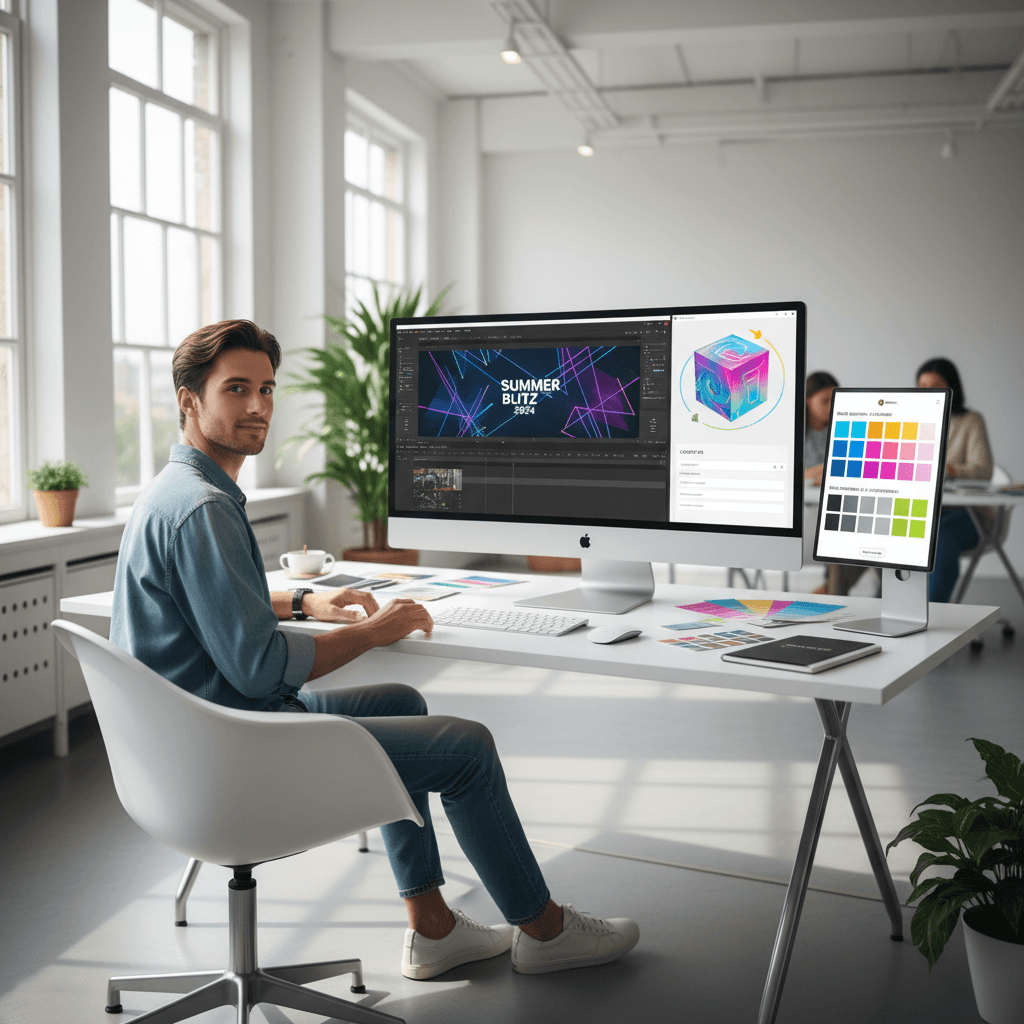
As brands race into the holiday sprint, the latest Canva updates flip the script: this isn't just a design tool anymore—it's a growth stack. These Canva updates from October 2025 turn static assets into interactive experiences, giving marketers the power to collect leads, send emails, build ads, and keep every visual on-brand without leaving one platform.
In Vibe Marketing terms, this is where emotion meets intelligence. When your creative, data, and distribution live together, your campaigns move faster and feel more human. Below, we break down the most important features, how to use them right now for Q4/Q1 campaigns, and a 30-day plan to turn Canva into your team's lightweight marketing OS.
Why This Update Matters to Vibe Marketing
Canva's new toolset (Forms, Emails, 3D Mailer Boxes, Video Editor 2.0, Gradient Text, AI Style Match, Canva Grow ads, the new Brand Kit, AI teammate upgrades, and Canva Code 2.0) closes the gap between creation and conversion.
From assets to experiences
- Forms turn your designs and mini-sites into lead capture points.
- Emails let you ship campaigns directly from the same brand system you design in.
- 3D models and a layered video editor help you prototype and publish in days, not weeks.
Impact on teams and budgets
- Fewer handoffs. Less tool sprawl. Faster approvals.
- Built-in brand controls reduce off-brand work and rework.
- For small teams, Canva becomes a fully capable "good enough" stack that delivers speed and consistency.
Pro tip: Treat Canva like a product studio. Design the journey (form → email → ad) before you polish the assets. Flow first, flourish second.
Build the Funnel: Forms, Emails, and Data
Canva just made it possible to design experiences that collect and act on data inside the same canvas.
Forms: Turn every design into a lead magnet
Use Forms to capture RSVPs, contest entries, content upgrades, or product interest directly from your designs or mini-sites.
Practical plays:
- Holiday giveaway microsite: embed a Form to collect entries and consent in one view.
- Event landing page: collect RSVPs, dietary preferences, and session interest for follow-up segmentation.
- UGC program: add a submission Form to your campaign style guide to streamline creator intake.
What to capture by default:
- Name, email, opt-in consent
- Intent signal (e.g., "Interested in: Gift Sets, Subscriptions, Limited Editions")
- Source tagging in a hidden field (
utm_campaign,utm_content)
Emails: Build and send inside Canva
Bring brand consistency all the way to the inbox with templates that match your visuals.
Tips for deliverability and performance:
- Warm up: start with engaged segments before blasting your entire list.
- Segment by intent from Forms (e.g., gift buyers, last-minute shoppers, subscribers).
- Automate follow-ups: send a thank-you, then a 48-hour reminder, then a deadline email.
Recommended sequence for a seasonal drop:
- Teaser email (value + curiosity)
- Launch email (clear offer + hero creative)
- Social proof email (UGC, reviews, creator quotes)
- Final hours email (urgency + FAQ for fence-sitters)
Canva Code 2.0: Data you can actually use
Save data from widgets to Sheets and route signals to your workflows. This is the glue between creative and measurement.
Use cases:
- Automatically log form responses with
source,offer, andSKUto a single sheet. - Trigger a content variation when stock changes (swap price or badge automatically).
- Maintain a live creative library: map product data to templates for dynamic updates.
Guardrail: Decide your "source of truth." If Sheets is temporary, plan how and when you'll sync to your CRM or data warehouse.
Create at the Speed of Culture: Video, 3D, and Style
Video Editor 2.0: Layers and timelines that feel pro
The new layered timeline brings familiar NLE controls into Canva. That means faster social edits and more controlled storytelling.
Workflow to try this week:
- Rough cut: 30–45 seconds with A-roll.
- Insert branded motion graphics from your Brand Kit.
- Add captions and dynamic type with Gradient Text for scroll-stopping moments.
- Export multiple ratios (9:16, 1:1, 16:9) for Reels, Shorts, and in-feed.
Gradient Text and kinetic type
Gradient Text is more than a visual gimmick—it's a rhythm tool. Use subtle brand gradients for headlines, then reserve high-contrast gradients for CTAs and price drops.
Do:
- Pair gradients with simple backgrounds.
- Use motion easing to "breathe" the text in and out.
Avoid:
- Multiple gradients on the same frame.
- Gradient on gradient without contrast.
AI Style Match: Cohesive vibes across everything
Drop in a brand reference and let AI harmonize colors, type, and layout across your set. This is perfect for multi-format campaigns where speed matters.
- Build a base kit from your hero asset.
- Generate social variants that echo the original mood, not just the palette.
- Use it to retrofit partner or creator content into your brand style.
3D Mailer Boxes: Prototype the unboxing experience
Design realistic 3D packaging mockups and mailer boxes without a 3D team. Perfect for seasonal bundles, PR kits, and DTC landing pages.
Practical plays:
- Render your holiday gift set in 3D, drop into video as a hero object.
- Create a short "spin" clip for ads and product pages.
- Test price badges and seals on the 3D object before committing to print.
Brand Consistency, Powered by AI
New Brand Kit: Guardrails that scale
Set logos, colors, type, spacing, voice cues, and usage rules once. Then lock critical elements so templates can flex without breaking.
Implementation checklist:
- Upload logos (primary/secondary), set color system (core + utility), define type hierarchy.
- Build a motion system: logo stings, lower thirds, transition styles.
- Pre-load design tokens (corner radius, shadows) for consistent UI-like elements.
Canva AI Upgrades: A teammate that knows the brief
AI can now assist with 3D-aware composition, on-brand copy variants, and creative ideation.
How to get value fast:
- Creative sprints: prompt AI for five angles of the same concept, then pick one to art-direct.
- Copy variants: keep structure stable (headline, proof, CTA), vary tone by audience.
- Onboarding new hires: use Brand Kit + AI to spin up ready-to-use starter packs.
North Star: Use AI to enhance signal and reduce noise—fewer, better ideas that are easier to ship.
Grow and Measure: Canva Grow, Ads, and a 30-Day Plan
Canva Grow: Ads without the swivel chair
Canva Grow is a system to create, manage, and iterate ads from within your design environment.
How to use it well:
- Creative-first A/B: test thumb-stop frames, not just copy.
- Systemize variants: build a matrix of ratio × hook × offer.
- Tag everything with
campaign_theme,audience,hook_version, anddatein filenames.
Creative metrics that matter:
- Hook hold rate: percent of viewers who reach 3 seconds.
- Click quality: CTR combined with on-site bounce.
- Creative decay: how quickly performance drops; plan refresh cycles accordingly.
30-day action plan
Week 1: Foundations
- Audit brand kit; lock core elements.
- Build 3 modular email templates (announcement, offer, story).
- Create a Form with consent and intent signals.
Week 2: Production
- Film a 45-second hero cut; export 3 ratios.
- Design a 3D mailer box mockup for the offer.
- Use Style Match to propagate the look across 6 social variants.
Week 3: Launch
- Publish the microsite with Form.
- Send teaser + launch emails to segmented lists.
- Deploy two ad sets via Canva Grow: one awareness, one retargeting.
Week 4: Optimize
- Use Canva Code 2.0 to sync responses to Sheets; segment by intent.
- Swap in the top-performing hook across all ratios.
- Plan next month's refresh cycle and template improvements.
Bringing It Back to Vibe Marketing
Vibe Marketing is about crafting moments people feel and measuring the signals those moments create. These Canva updates let you do both. You can concept a vibe, ship it across channels, collect data from real interactions, and use that intel to iterate—without losing momentum or brand integrity.
If your team's mandate for the holidays is "launch more, waste less," this is your window. Start with one campaign, wire the journey end-to-end, and let the results fund the next sprint. The brands that win in 2026 won't just design faster—they'll learn faster. And with the latest Canva updates, that learning loop is finally built into the canvas.