Google Gemini 3's new "thinking" image AI fixes plastic skin, improves lighting, and keeps characters consistent so your visuals finally match your brand's vibe.
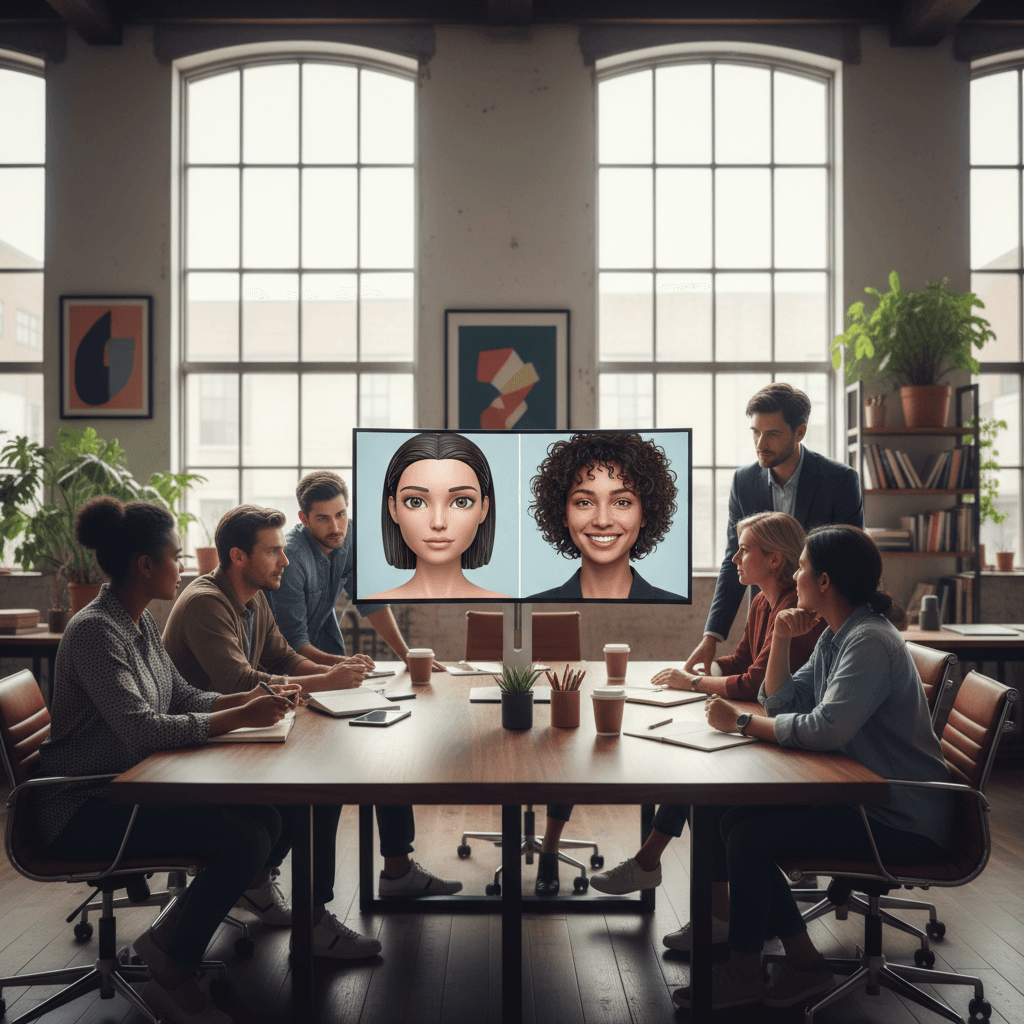
How Google's New AI Makes Photos Feel Human Again
In 2025, audiences can spot a fake-looking AI image in half a second. Plastic skin, uncanny eyes, weird lighting — all it takes is one off detail and the vibe is gone. For brands, that's a big problem. You're not just selling products anymore; you're selling moments, moods, and micro-stories. If your visuals feel fake, your marketing falls flat.
That's why Google's latest image technology — powered by Google Gemini 3 and Imagen 3 — is a big deal. Unlike older AI image generators, this system doesn't just "paint pixels." It thinks before it draws, modeling skin texture, light, and character consistency in a way that feels much closer to real photography.
In this post, part of our Vibe Marketing series, we'll explore how this new wave of AI image generation can help you create visuals that don't just look good — they feel authentic, emotional, and on-brand. You'll see how to move from "AI test images" to campaign-ready creative that actually converts.
We'll walk through:
- Why older AI models struggle so badly with skin and lighting
- How Google Gemini 3's "thinking" process changes the game
- The "Next" prompt trick for keeping characters consistent
- Real-world prompt examples: beginner vs. pro-level
- A step-by-step system to create ad-ready portraits and lifestyle shots for free
Why Old AI Images Look Plastic (And Kill Your Vibe)
AI image generators have come a long way since the early days, but most marketers still run into the same problems:
- Over-smooth, plastic-looking skin
- Harsh or impossible lighting
- Off-ratio facial features (hands, eyes, teeth especially)
- Inconsistent characters between images
From a technical standpoint, older models often:
- Treat faces as patterns, not people. They're great at smoothing and blending, but they struggle with subtle variations in pores, micro-shadows, and real-world imperfections.
- Guess lighting after the fact. Many models add light and shadow as stylistic effects, not as part of a coherent 3D scene.
- Forget who they just drew. Each prompt is treated as a mostly fresh request, so your "brand character" subtly changes from image to image.
From a Vibe Marketing perspective, all of this matters because:
- Plastic skin = no trust
- Inconsistent faces = no brand identity
- Unnatural lighting = no emotional realism
The result: your campaign feels like a test project, not a real story. The data side may look good (cheap images, fast output), but the emotional side — the vibe — is missing.
How Google Gemini 3 "Thinks Before It Draws"
Google's new stack (Gemini 3 plus Imagen 3, often surfaced through tools like Nano Banana Pro or in experimental Google AI interfaces) approaches image creation differently: it plans before it paints.
The Two-Stage "Thinking" Process
At a high level, here's what's happening when you prompt Gemini 3 to create a portrait:
-
Reasoning phase (text-only)
The model mentally builds a scene: Who is this person? What is the lighting? What is the mood? What angle is the camera at? It effectively writes an internal brief. -
Rendering phase (image generation)
Only after it has "thought through" the scene does Imagen 3 step in to render the actual pixels, using that reasoning as a blueprint.
Why this matters for marketers:
- Skin looks real because the system is modeling how light actually falls across a face, not just applying generic "beauty filters."
- Lighting feels intentional, like a professional photographer picked the time of day and light direction.
- Details stay coherent, from hair texture to clothing folds.
Vibe Marketing takeaway: we're moving from prompt roulette to creative direction. You're no longer just brainstorming; you're briefing a highly capable, always-on creative partner.
The Secret "Next" Prompt Trick for Consistent Characters
One of the most powerful — and underrated — features of Google's new AI stack is how it handles iterative prompts. Instead of treating each image request as a reset, you can guide the model to keep the same character across multiple shots.
The core idea is simple:
Use a follow-up
Nextstyle prompt to build on the last result, instead of starting from scratch.
How It Works in Practice
Imagine you've generated a strong hero image:
Initial prompt (beginner level):
"Young woman smiling in a coffee shop, daytime, soft lighting."
That might produce a nice but generic portrait. To keep the same person and evolve the shoot, you'd refine:
Pro-level follow-up prompts:
- "Next: Same woman, standing by the window, side profile, warm afternoon light on her face, holding a ceramic mug, candid laugh."
- "Next: Same woman, closer crop, focus on eyes, natural skin texture, shallow depth of field, moody background, editorial photography style."
By explicitly asking for the same woman, same style, and then adjusting pose, framing, or mood, you:
- Build out a cohesive visual narrative
- Create multiple assets from one "hero" character
- Maintain recognizable features across your ads, thumbnails, and social posts
This is where Vibe Marketing becomes tangible: consistency in your visuals reinforces familiarity, trust, and emotional continuity. Your audience recognizes "that person" from your ads and starts associating them with your brand's story.
Beginner vs. Pro-Level Prompts: Real Examples
Most marketers underestimate how much prompt quality affects image quality. With tools like Gemini 3, the gap between a beginner prompt and a pro-level prompt can be the difference between "AI test shot" and "campaign creative."
Example 1: Lifestyle Ad Visual
Beginner prompt:
"Man using a smartphone on a couch, modern living room."
Result: A generic, flat-looking stock-style image.
Pro-level prompt with reasoning cues:
"Natural candid photo of a man in his early 30s, relaxed on a deep blue sofa in a sunlit living room, warm afternoon light streaming from a side window, soft shadows on his face, subtle skin texture visible, focused on his smartphone as if reading a message, calm and cozy vibe, lifestyle photography."
What changed:
- Age, setting, and mood are clearly defined.
- Lighting direction and time of day are specified.
- Skin texture is explicitly requested.
- The vibe (calm, cozy, lifestyle) is clear.
Example 2: Brand Portrait Series
Beginner prompt:
"Portrait of a woman in an office, professional."
Pro-level prompt:
"Editorial-style portrait of a confident woman in her late 20s, in a modern, light-filled office, soft natural light from a large window, gentle shadows that reveal realistic skin texture and pores, slightly desaturated color palette, subtle smile, shot at eye level, professional but approachable vibe."
Follow-up for consistency:
"Next: Same woman, leaning on a glass desk, looking slightly away from the camera, background softly blurred, highlight on hair and cheekbone from window light, still in the same office environment."
Now you're not just generating images — you're building a brand visual language around a character.
Step-by-Step: Creating Pro-Level Ads and Portraits for Free
Let's turn this into a simple workflow you can plug into your content and ad production. This works whether you're experimenting directly with Google Gemini 3, tapping into Imagen 3 via a tool like Nano Banana Pro, or using any interface that supports iterative image prompts.
1. Define the Vibe Before the Visual
Start with the emotional outcome, not the product.
Ask:
- What should someone feel when they see this image? (relief, excitement, calm, aspiration?)
- Where would this shot exist in real life? (coffee shop, rooftop, home office?)
- Is this cinematic, documentary, editorial, or selfie-style?
Write a one-sentence vibe brief, for example:
"A hopeful, early-morning moment where someone feels in control of their day and their finances."
You'll weave this into your prompt language.
2. Craft a Detailed Initial Prompt
Include:
- Subject details: age range, gender expression, style, emotion
- Environment: location, decor, background elements
- Lighting: time of day, light source, mood (soft, harsh, dramatic)
- Camera feel: close-up vs. wide, eye level vs. overhead, photography style
- Texture: realistic skin, natural imperfections, fabric detail
Example:
"Cinematic, natural photo of a man in his early 40s, sitting at a wooden kitchen table in the early morning, soft cool light coming from a nearby window, subtle shadows under his eyes, realistic skin texture and slight stubble, laptop open in front of him, a mug of coffee to the side, expression of quiet confidence and focus, documentary-style photography."
3. Review, Then Iterate with "Next" Prompts
Look at the first image and decide:
- Is the emotion right?
- Is the lighting believable?
- Does the skin look natural?
Then refine with a Next-style follow-up:
- "Next: Same man, slightly closer crop, more focus on face and eyes, deeper shadows for a more dramatic feel, background a bit darker, still early morning vibe."
- "Next: Same man, standing by the kitchen window, side profile, rim light around his hair, hands wrapped around the coffee mug, more introspective mood."
You're building a mini photo set, just like a professional shoot.
4. Create Variants for Channels
Once you like the base character and vibe, branch out:
- Vertical crops for stories and reels
- Horizontal scenes for hero sections and ads
- Square close-ups for thumbnails or profile visuals
You can indicate this in prompts:
- "Next: Same scene, tighter vertical crop centered on his upper body and face, optimized for mobile story format."
5. Standardize Prompts Into Brand Recipes
Turn your best prompts into reusable templates:
- "Warm, authentic founder portrait" recipe
- "Cozy, aspirational lifestyle shot" recipe
- "High-energy, social proof group photo" recipe
Share these recipes across your team so your entire content operation can generate on-brand, on-vibe visuals consistently.
Where This Fits in the Vibe Marketing Journey
Vibe Marketing is about aligning emotion and intelligence — using data and tools without losing the human heartbeat of your brand. Google's new AI image stack is a perfect example of this shift.
On the intelligence side, Gemini 3 and Imagen 3 give you:
- Fast iteration and near-instant creative testing
- The ability to generate entire visual campaigns from a single character
- Cost savings compared to constant custom shoots
On the emotion side, thinking-before-drawing means:
- More believable skin and lighting
- Characters that feel like real people, not NPCs
- Scenes that reflect real-life mood and context
For marketers focused on lead generation, this matters more than aesthetics alone. Authentic-feeling creative tends to:
- Increase scroll-stopping power
- Improve click-through on ads and landing pages
- Strengthen brand recall over repeated exposures
As AI becomes standard across marketing, the brands that win won't just be the ones who use AI — but the ones who use it to create real emotional connection.
Final Takeaways and Next Steps
Google Gemini 3 and Imagen 3 mark an important step toward AI-generated imagery that finally feels human. By thinking before it draws, this new wave of AI image generators solves many of the problems that made old AI visuals look fake — especially around skin, lighting, and consistency.
To put this into practice:
- Start every image with a vibe brief, not just a subject.
- Use detailed, emotion-aware prompts that specify lighting, texture, and mood.
- Lean on the "Next" prompt trick to keep characters consistent across your campaigns.
- Turn winning prompts into standardized recipes your team can reuse.
As AI photography tools like Google Gemini 3, Imagen 3, and Nano Banana Pro continue to evolve, the gap between generated and real imagery will keep shrinking. The real differentiator will be how well you use these tools to tell human stories.
What kind of vibe do you want your brand's visuals to radiate in 2026 — and how will your AI imagery help people feel it, not just see it?